AI shopping tools now send real traffic to stores. Get your products and your Black Friday page ready for them first.
The best moves are the ones nobody copies: a thank-you page offer, a sold-out waitlist and a plan for the second order.
Do the margin math before you pick a discount. At a 40% margin, 20% off needs double the orders to earn the same profit.
Tie every offer to spend with tiers, bundles, a free shipping threshold and one limited drop. Badge each deal on the shop page.
Black Friday is November 27, 2026. Start at least 4 weeks prior to it, and plan Cyber Monday and January too.
The parts most Black Friday guides skip
Most Black Friday marketing ideas come from companies that sell email tools, review apps or payment gear. Their ideas are good. But they skip the dull parts that decide whether you make money.
This guide stays on marketing. I start with the not so obvious moves, then cover the basics. I show the margin math behind each discount, the offers that protect it, and the campaigns that sell them. For a complete store prep like hosting, stock and checkout testing, use our Black Friday checklist.
Run a fashion or clothing store? Our Black Friday marketing ideas for clothing stores covers outfit bundles, size-specific alerts, try-on content, and more. Head there for examples tailored to what you sell.
Prefer to watch? Here are 6 Black Friday marketing ideas for WooCommerce stores in one video. The full guide follows below, with the margin math behind every offer.
What Black Friday marketing is
Black Friday marketing is how you promote and sell your offers from the Friday after Thanksgiving through Cyber Monday. It covers email, SMS, ads, social, your site, and the offers themselves. In 2026 that means November 27 to November 30.
I treat it as a four-day sale with a four-week build up and a four-week tail. The sale gets the attention. The weeks around it decide the profit.
Start here: the moves most stores miss
I start with the not so obvious moves, then cover the basics you still can’t skip. These four are the ones most stores leave out. Each has data or a documented brand result behind it, and I say where the evidence is thin.
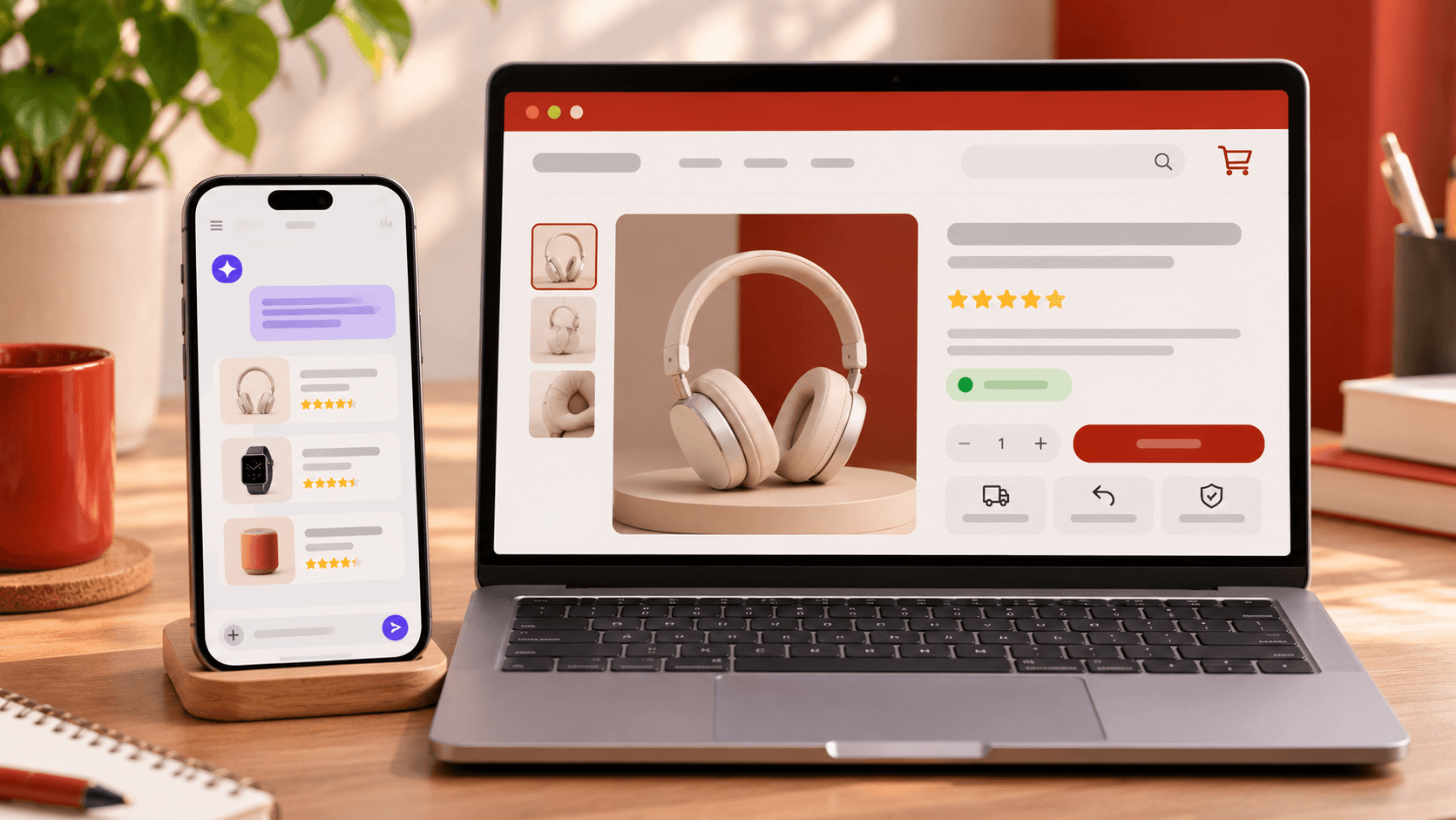
1. Get found in AI shopping answers
Everyone is talking about AI shopping. For once, it matters for your Black Friday plan.
Adobe measured a 693.4% rise in traffic to US retail sites from generative AI tools in the 2025 holiday season. On Cyber Monday alone, it was up 670%. In an Adobe survey ahead of that season, 36% of shoppers said they would use AI to find deals. So some shoppers now ask a chatbot for the best deal in a category, instead of typing into a search box.
The base is still small, so do not bet your sale on it. But the fix is cheap, and it helps normal search too.
Give every sale product a clear title, current price, specs and stock status.
Keep real reviews on the product page.
Publish your Black Friday page now, with dates and offers in plain text, so it can be found and quoted.
WooCommerce outputs product structured data by default. Test a few sale pages with Google’s Rich Results Test after you change prices.
2. Sell again on the thank-you page
Everyone who just paid sees your thank-you page. A one-click offer there skips the payment step. ReConvert’s report, drawn from tens of thousands of brands, puts the average one-click post-purchase upsell conversion at 4.7% and the average thank-you page upsell at 1.7%. ReConvert sells these tools, so treat the numbers as a guide.
Offer one related product at a small discount. Do not show a menu. Keep it cheap, so the decision takes seconds.
WooCommerce needs a plugin for this, and one-click add-ons depend on your payment gateway. Check yours before you build it.
3. Turn sold-out products into a waitlist
Your best sellers will sell out. Do not lose those shoppers. Add a “notify me” form to out-of-stock product pages and send an alert when stock returns.
In Omnisend’s 2022 data, back-in-stock emails had the highest conversion rate of any automated email, at 7.3%, per ecommerceDB. That data is older, but the logic holds: these shoppers already want the product.
Use the waitlist count to decide how much to reorder. WooCommerce has no built-in notify me form, so add a plugin. Show a clear “Sold out” label in the shop grid too.
4. Plan the second order before the first one ships
Most Black Friday buyers do not return. Across 8,000+ first-time Black Friday buyers in 2025, only 11.5% ordered again within 90 days, per Bigblue. So I plan the second order before the first one ships.
Make a multipack your hero offer. Use a 3 or 4 pack of products people reorder, not a single item. In a Bigblue study of 7,454 repeat purchases, 77% of second orders were the same product as the first.
Give store credit that starts after the sale. Open it in December, so it buys a second order and not a bigger first one.
Follow up on a timer. Thank buyers and ask for a review a few days after delivery. Happy Way sent reorder reminders 60 to 90 days after the last order, per Klaviyo. In January, send one-time buyers a “new in” email, not a coupon. Offer a coupon only if they stay quiet after two emails.
Now the basics you still can’t skip
Everything below is the core of any Black Friday plan. It is also what stores forget when they rush. Treat it as your reminder list.
Do the margin math first
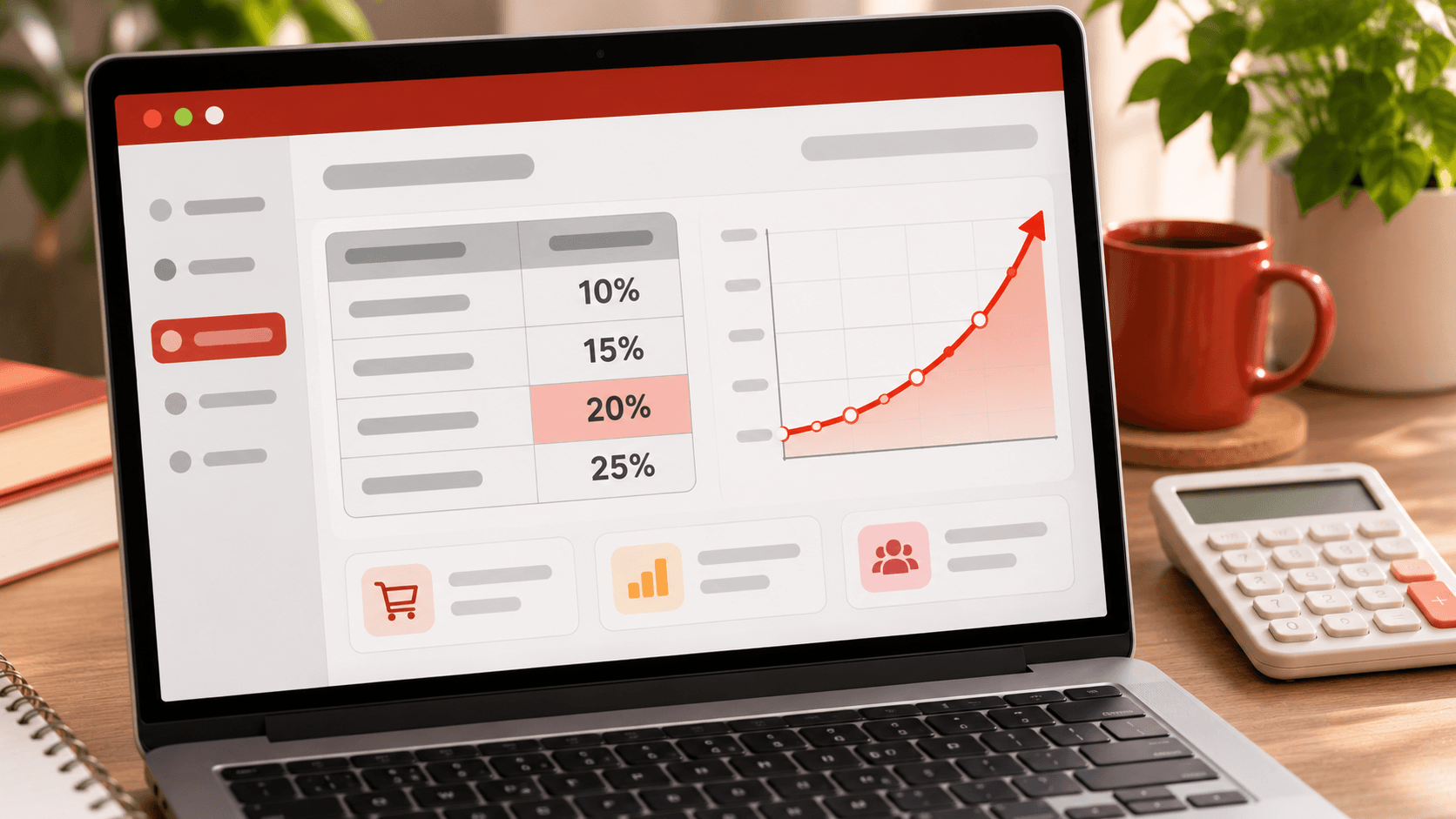
Most guides tell you what to offer. I want you to know what it costs first. A discount cuts your margin on every sale. So you need more sales just to earn the same profit.
Here is the formula. The letter d is your discount and m is your gross margin, both as a share of the original price.
Extra sales needed = d ÷ (m − d)
This table shows how much more you must sell to earn the same gross profit.
Discount
At 30% margin
At 40% margin
At 50% margin
10% off
+50%
+33%
+25%
15% off
+100%
+60%
+43%
20% off
+200%
+100%
+67%
25% off
+500%
+167%
+100%
Read it this way. At a 40% margin, a 20% discount means you must double your orders to break even on gross profit. That is a lot to ask of one weekend.
The numbers use gross margin only. Payment fees, shipping and ad spend make them worse.
Here is what I do with this. I pick the deepest discount I can afford on each best seller. Then I build the offer so only big baskets reach it. That is why ideas 8 to 11 tie the reward to spend and not to a sitewide percentage.
Take ten minutes and do this now. List your three best sellers. Write down each margin. Write down the lowest price you will sell each one for.
Before the sale
5. Plan from your own data
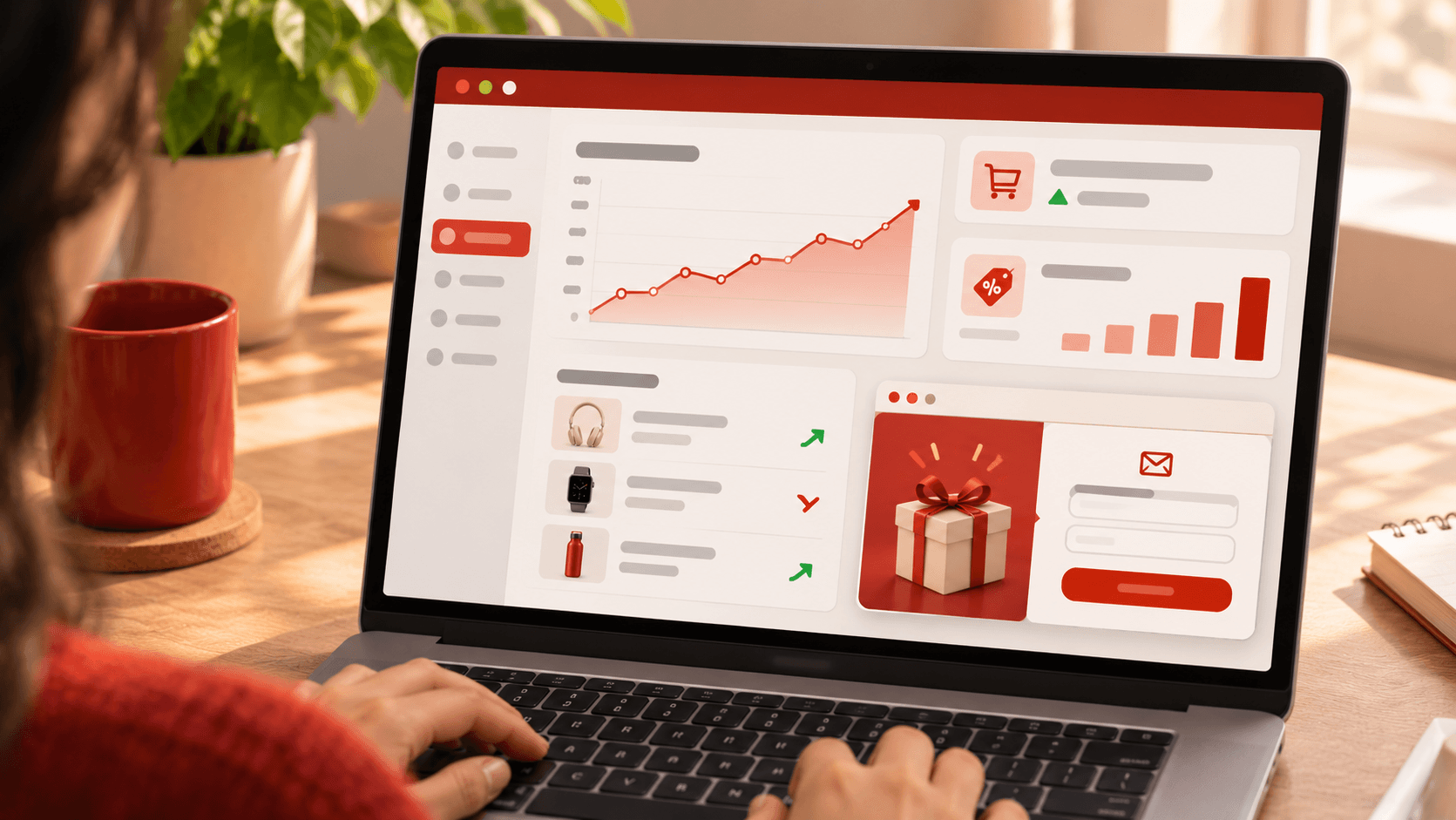
Open WooCommerce Analytics and pull last year’s Black Friday weekend. Look at top products, average order value, coupon use and refunds. Then set four goals with numbers: order value, repeat buyers, new customers and stock cleared.
Lock your offers by mid November and launch on Friday, November 27. If this is your first sale, use your best normal weekend instead. Do not copy a competitor’s discount. Their margin is not yours.
6. Build one Black Friday hub page and grow your list
I put every offer on one page. Link it from your header, homepage banner, emails and ads. Publish it by November 12 with an early-access form, so it collects emails before launch. Keep the same URL every year.
Offer early access, not only a discount. Rachel Riley rewards signups with 24 hours of early access, per Omnisend. Ask for the email first. Ask for a phone number only if you plan to text, and get clear opt-in.
Want a hook that feels like a game? Test a spin-to-win popup. Omnisend suggests it as an alternative to a standard discount popup. Cap the prizes, so even the biggest win still protects your margin.
7. Segment your buyers and give VIPs a head start
Do not send one email to everyone. I use four groups: VIPs (your top 10% by spend in the last 12 months), lapsed buyers (no order in 6 to 12 months), cart abandoners, and coupon-driven buyers.
VIPs get 24 to 48 hours of early access and first pick of stock. Lapsed buyers get a reason to return. Coupon-driven buyers get your simplest discount. Samsung opened an early-bird page to engaged CRM customers and added 200,000 new customers at a 26% average discount, per Uniqodo.
Make the public offer at least as good as the early one. And do not hand your best customers your deepest coupon by default.
Offers that earn their discount
Each offer below ties the reward to something I want: a bigger basket, a first order, or cleared stock. I avoid sitewide percentages. They discount shoppers who would have paid full price.
8. Reward bigger baskets with tiered discounts
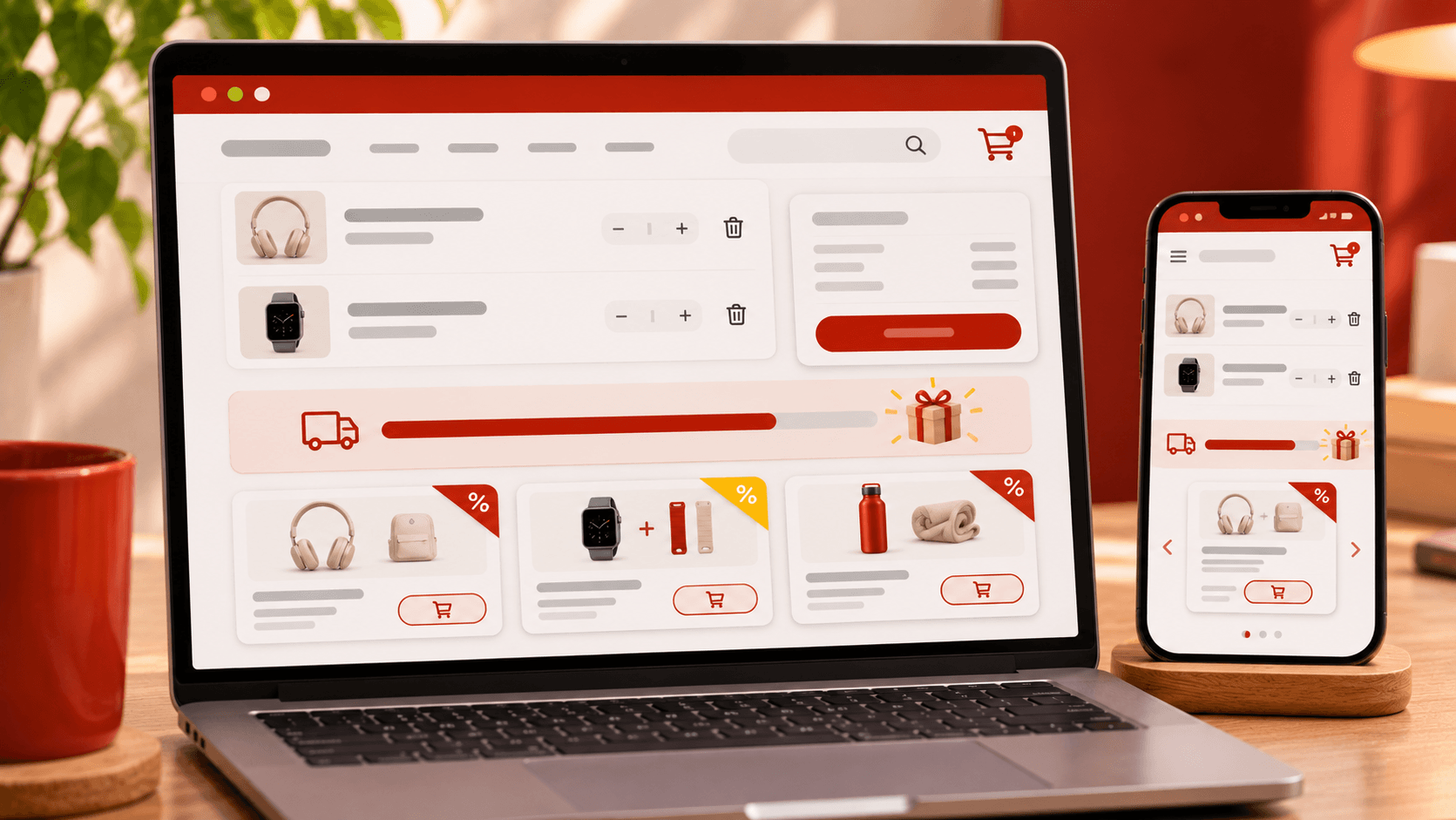
Raise the discount as the basket grows: 10% over $50, 15% over $100, 20% over $150. Set the first tier just above your average order value. Show progress in the cart, like “Add $18 to unlock 15% off.”
Baggu ran 15% off sitewide, 25% over $50 and 30% over $100, per Uniqodo. Check each tier against the margin table.
In WooCommerce, make one coupon per tier with a minimum spend. Set each to individual use only so they do not stack.
9. Bundle your best sellers and try BOGO
Sell two or three related products at one price. Pair a best seller with a slow mover, and show the single prices beside the bundle. For products people reorder, try buy one, get one 50% off. It protects margin better than free.
Run the margin table on the unit price after the deal. Core WooCommerce has no fixed-price bundles or BOGO rules, so use a bundles or discount rules plugin. Check that stock drops for each item inside.
10. Free shipping and gifts
Set free shipping just above your average order. If your average is $60, I’d use $75. Show it on product pages, in the cart and in every email. Extra costs at checkout are the top reason for abandonment for about 40% of shoppers, per Baymard research cited by Omnisend. WooCommerce handles this with a Free shipping method and a minimum order amount.
Then add a free gift at a higher threshold. Pick something cheap that looks worth more, like a sample. Clinique offered a choice of two eight-piece gift sets on a $35 spend, per Uniqodo.
11. Drop something limited instead of marking down
Skip the discount. Release something that exists only for Black Friday weekend: a color, a gift set, a collab. It protects your price and rewards loyal buyers.
Jones Road Beauty sold a limited Mini Miracle Balm over the holiday weekend with no discount. It sold out on day one. It later announced the drop four days early to gauge demand and order more stock. One year it earned as much in the first 30 minutes as in the whole prior weekend, per Klaviyo.
Make the quantity real. If you say limited, make it limited.
12. Label every deal with product badges
A deal nobody sees does not sell. Shoppers scan the shop grid, so put the offer on the product card. Badge what the offer is: “Black Friday Deal”, “20% off”, “Buy 1 Get 1”, “Free shipping”, “Last chance”.
I use Better Badge for this. It has seasonal, discount, free shipping and urgency badges, and you manage them from one Badge Manager screen with no code.
Match each badge to its offer. A tier gets a “15% off over $100” badge. A drop gets a “Limited” badge. Take each badge down when its offer ends. A dead badge misleads shoppers and costs you trust. Check how the badges look on mobile too, so they never cover the product.
Launch week and Cyber Monday
13. Flash sales with honest timers
Run short sales on a few products. Two or three hours works. Say when it ends. Use a countdown timer only when the deadline is real. A timer that resets teaches shoppers to ignore you.
Keep flash stock separate from your main offer, so it cannot eat the margin on your best sellers. A small store should run one or two, not a drop every hour.
14. Win back carts with email and SMS
Black Friday cart abandonment runs around 75 to 77%, per Statista as cited by Shift4. Set up a flow before launch.
Send an email 30 minutes after the shopper leaves.
Send an SMS an hour later, if they opted in.
Send a last email the next day with the deadline.
Show the exact items. Lead with the reminder, not a coupon. In an Omnisend case study, Amundsen’s abandoned cart email converted at 57% with no discount. WooCommerce does not send these by default, so use an email tool or plugin that tracks carts.
Save SMS for the launch, a flash sale and the last hours. One offer, one link, one deadline. In Omnisend’s BFCM 2023 data, SMS click rates hit 5.58% against 1.41% for email. I cap texts at two a day.
15. Retarget and brief micro-influencers
Put ad money where intent is highest. A starting split from Omnisend: 50% on retargeting cart abandoners and recent visitors, 30% on past customers and subscribers, 20% on cold audiences. Peak season raises ad costs, so I set a daily cap.
Brief micro-influencers early. Give each a unique code and pay on sales, not only posts. Ask buyers for photos. Real photos often build more trust than studio shots.
16. Pivot on Cyber Monday, don’t repeat Friday
Do not resend Friday’s email. Monday needs a new angle: a different product group or a last-chance deadline. Omnisend’s 2025 research found 42% of merchants did better on Cyber Monday. Exclude Friday buyers from the Monday sale email and send them a cross-sell instead.
Then give your best customers a quiet extension. After the public sale ends, offer your most loyal segment another 24 to 48 hours. Keep it low-key and targeted, not a second public announcement. Otherwise you teach everyone to wait for round two.
Mistakes that cost sales
Discounting best sellers. They sell anyway. You give away margin on demand you already have.
Leaked coupons. One code on a coupon site becomes a sitewide discount. In WooCommerce, set a usage limit, an expiry date and a minimum spend on every coupon. Use single-use codes for partners.
Stacked offers. A tier coupon, free shipping and an early-access code can pile up. Set coupons to individual use only.
Overselling. Turn on stock management for sale items and set backorders to “do not allow”.
Fake urgency. No timers that reset. No crossed-out prices that never existed. Some countries have rules on reference prices, so check yours.
Emailing people who just bought. Exclude them from the next sale email.
Where I’d start
If you only do three things this week, do these. Get found in AI answers. Check your margin. Badge every deal.
The rest is timing and tidy work. Pick a few ideas and run them well. Then write down what happened, so next year starts with your own data.
You do not need all 16. Nobody does. One good offer, sent to the right people at the right time, beats five rushed ones.
Black Friday can feel like a lot. Take it one idea at a time, and fix what trips you up as you go. Good luck on November 27. I hope it brings you happy customers, steady orders, and a cup of coffee you get to drink while it’s still hot.
Frequently Asked Questions
The best ideas tie the reward to spend or scarcity: tiered discounts, bundles, a free shipping threshold and a limited-edition drop. Support them with early access for subscribers, an abandoned cart flow and one clear Black Friday page. Then plan the second order, because most first-time buyers do not return.
Black Friday is November 27, 2026. Cyber Monday is November 30. Thanksgiving is November 26. Many brands start their promotions a few weeks earlier.
Four weeks out is the last good start. In Klaviyo’s 2024 analysis, many brands launched offers by November 7, and shoppers bought up to three weeks before Thanksgiving. If you are reading this now, publish your Black Friday page and start collecting emails this week. Next year, begin planning in July or August.
Raise order value and bring back past buyers. Use tiers or a free shipping threshold to grow the basket. Send early access to your best customers. Recover abandoned carts. Add an offer to the thank-you page. Check every discount against your margin first.
Start from your margin, not from a number. Use the table above. As a range, 10 to 25% is common. Attentive’s 2026 research, cited by Omnisend, found that four in five shoppers can be won with less than 40% off.
Keep it simple. Build one Black Friday page. Collect emails with an early-access offer. Run one tiered offer and a free shipping threshold. Set up an abandoned cart email. Skip hourly drops and big ad budgets until you have a list.
Do the margin math first. At a 40% margin, a 20% discount needs double the orders to earn the same gross profit. Tie discounts to basket size, keep best sellers at higher prices, and cap every coupon with a usage limit, an expiry date and a minimum spend.
Use both if you can. Email carries the detail. SMS carries the deadline. If you only have email, that is fine. Start with the abandoned cart flow.
Start with what WooCommerce already does: coupons with minimum spend and usage limits for tiers, a free shipping method with a minimum order amount, and stock management for sale items. Add plugins for bundles, BOGO deals, abandoned cart emails and back-in-stock alerts.
They make a deal easy to spot on the shop page, which is where shoppers scan. I do not know of strong public data on badge lift, so test them on a handful of products. Use honest labels and remove them when the offer ends. Better Badge is a WooCommerce plugin for this.
Plan the second order before the first one ships. Only 11.5% of first-time Black Friday buyers in a 2025 Bigblue sample ordered again within 90 days. Sell multipacks of products people reorder, send reorder reminders, and offer store credit that starts after the sale.
Turn on stock management, mark the product sold out, and offer a back-in-stock notification. Use the waitlist size to decide how much to reorder.
Friday is the launch. Monday needs a new angle, like a different product group or a last-chance deadline. Omnisend’s 2025 research found 42% of merchants did better on Cyber Monday.
Halloween brings a chance to save on the tools behind your website. Whether you want to refresh your pages, collect more enquiries, or prepare your store for seasonal promotions, October is a useful time to compare plugin offers. This roundup covers WordPress Halloween deals for design and marketing, alongside WooCommerce Halloween deals for product badges, […]
You’ve built a beautiful online store, sourced amazing products, and invested in marketing. But when you check your dashboard each morning, the sales numbers are… disappointing. Sound familiar? You’re not alone. In 2026, global ecommerce sales are projected to exceed $7.3 trillion, yet research shows that over 70% of online stores fail to scale profitably […]




 Samia Nasreen
21 min read