A shopper has found the laptop they want. Now they are deciding which store deserves the order.
They compare the exact model, check the warranty, and ask whether the charger is included. Your discount matters. So does the answer to “Will this work with what I already own?”
These Black Friday marketing ideas for electronics stores help you build useful offers, bring interested shoppers back, and make the purchase easier. The guide moves from offers to early access, product-page improvements, and follow-ups. The decision table at the end helps you pick your first move.
Black Friday is November 27, 2026. Cyber Monday follows on November 30. For your US campaign, start with one product family and a few changes you can test properly. Your support inbox will appreciate the restraint.
TL;DR: Your electronics store’s Black Friday plan
Protect your margin. Build compatible bundles or offer a useful gift before cutting every device price.
Bring back interested buyers. Use exact-model wishlists, a real early-access window, and limited-stock drops.
Remove buying doubts. Show condition, compatibility, included items, and the final offer clearly.
Make the promotion visible. Use targeted badges and send each campaign to the right product.
Keep helping after delivery. Share setup guidance and recommend accessories that fit.
Small team? Start with ideas 1, 6, and 7. Have those covered? Use the cheat sheet to choose the next problem to solve.
What Electronics Shoppers Need Before They Buy
Electronics often involve a longer decision. In Criteo’s 2026 electronics shopper research, 39% of respondents interested in the category typically waited at least two weeks after starting online research before purchasing. Its survey covered more than 6,200 consumers globally.
The FTC’s online shopping guidance tells buyers to compare the exact model and total cost, and check delivery and return terms. Make those answers easy to find in your store.
Your job is to make the deal easy to check: the exact model, its condition, what comes in the box, and the total cost.
Black Friday Offers for Electronics Stores
Choose the job of the offer first. A complete setup can increase the basket size. A separate open-box collection can move specific stock. Each needs its own message and margin check.
1. Build Black Friday Electronics Bundles That Work Together
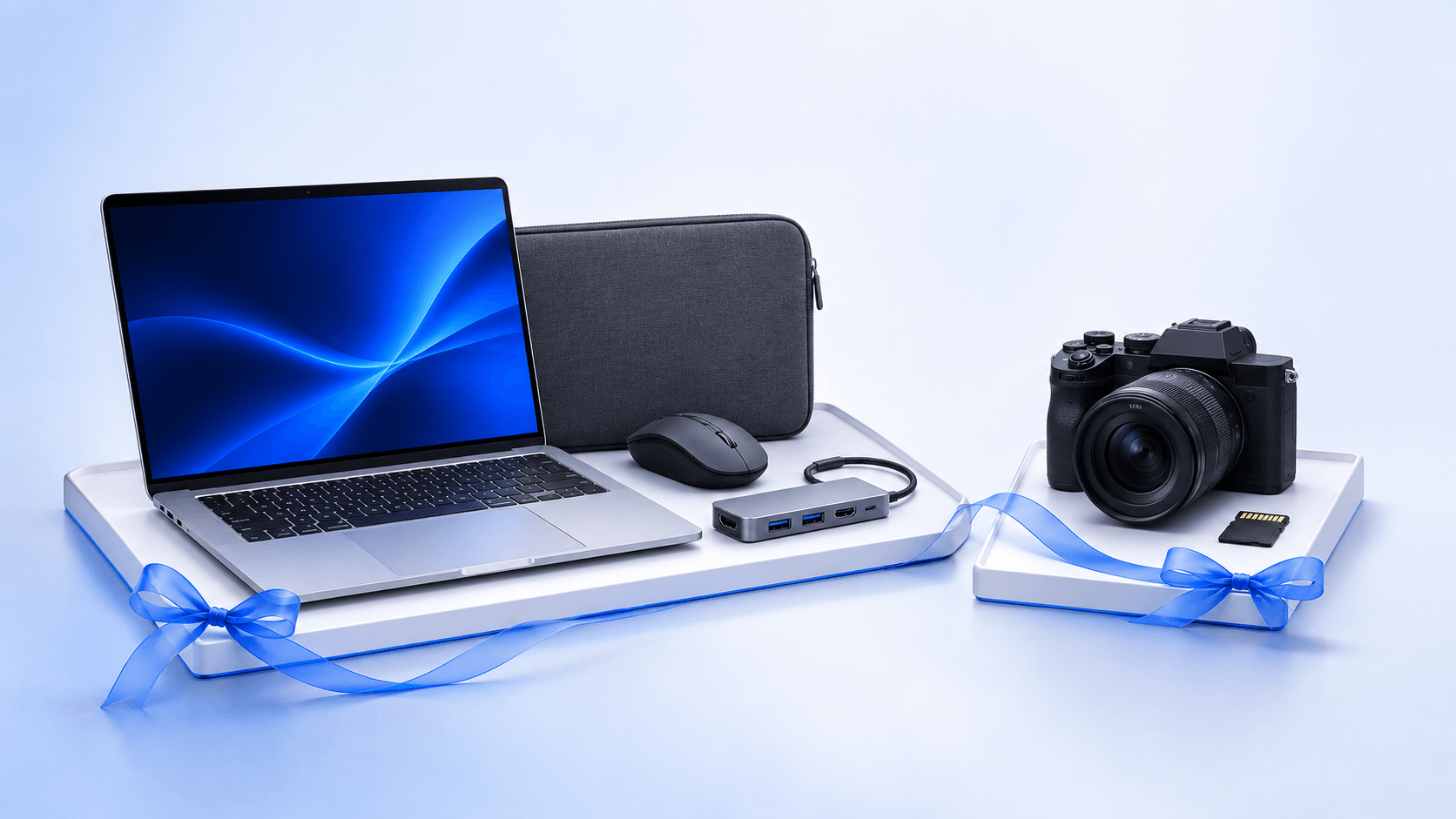
Sell a complete setup around a real task. A work laptop can come with a correctly sized sleeve, mouse, and compatible dock. A camera can come with a suitable memory card and bag.
Try this: “Your first home-office setup: laptop, sleeve, mouse, and dock.” Show every item in the set and explain who it suits.
Check the fit. Confirm ports, power requirements, dimensions, and supported models.
Make the value clear. Show the bundle contents and an accurate separate-item total if you use one.
Keep the choice. Let shoppers buy the main device on its own.
Test stock. Check what happens when one component sells out.
In WooCommerce, use a bundle tool that manages component inventory. A product photo cannot reserve the last dock for you.
Watch: Profit per bundle and the share of device orders that include accessories.
2. Offer a Useful Free Add-On Instead of Another Price Cut
An accessory can add value without a deeper device discount. Choose something the buyer will use, such as a compatible case or memory card. Check its actual cost rather than assuming accessories always have large margins.
Check what you keep. A $500 device that costs $430 leaves $70 before other costs. A $30 discount leaves $40. Keeping the price and adding a gift that costs $8 leaves $62. This is illustrative arithmetic, not a sales forecast. Include fees, shipping, ads, and returns before choosing.
Show the actual gift beside the offer. State which models qualify, whether a code is needed, and what happens if the gift runs out. If you set a minimum spend, base it on realistic basket values.
Test a qualifying cart and an excluded one. Decide how gift returns work before launch. Standard warranty coverage should not be presented as an extra free benefit.
Watch: Profit per order and questions about gift eligibility.
3. Give Open-Box and Refurbished Electronics Their Own Collection
Help value-focused buyers compare devices in the same condition. Keep open-box and refurbished offers separate from new stock, and explain what each condition means in your store.
Show the unit. Include actual photos of marks or wear where possible.
Explain the checks. State testing, verified battery details, and included accessories.
Show the cover. Name the warranty provider and explain return terms.
A useful listing: “14-inch laptop, open box, light lid mark.” That answers more than “Massive bargain.”
Already operate trade-ins? You can add a defined upgrade bonus. Show the estimated valuation and promotional credit separately. Explain inspection, revised quotes, and payment timing on a dedicated page. Skip this option if your process is not ready.
Watch: Stock sold, condition-related questions, and returns.
Once the offers are clear, give interested shoppers a reason to come back before the public rush.
Build Demand With Early Access and Clear Offers
A shopper watching one specific model needs a relevant update. Use that interest to plan your Black Friday email marketing, access window, and product launches.
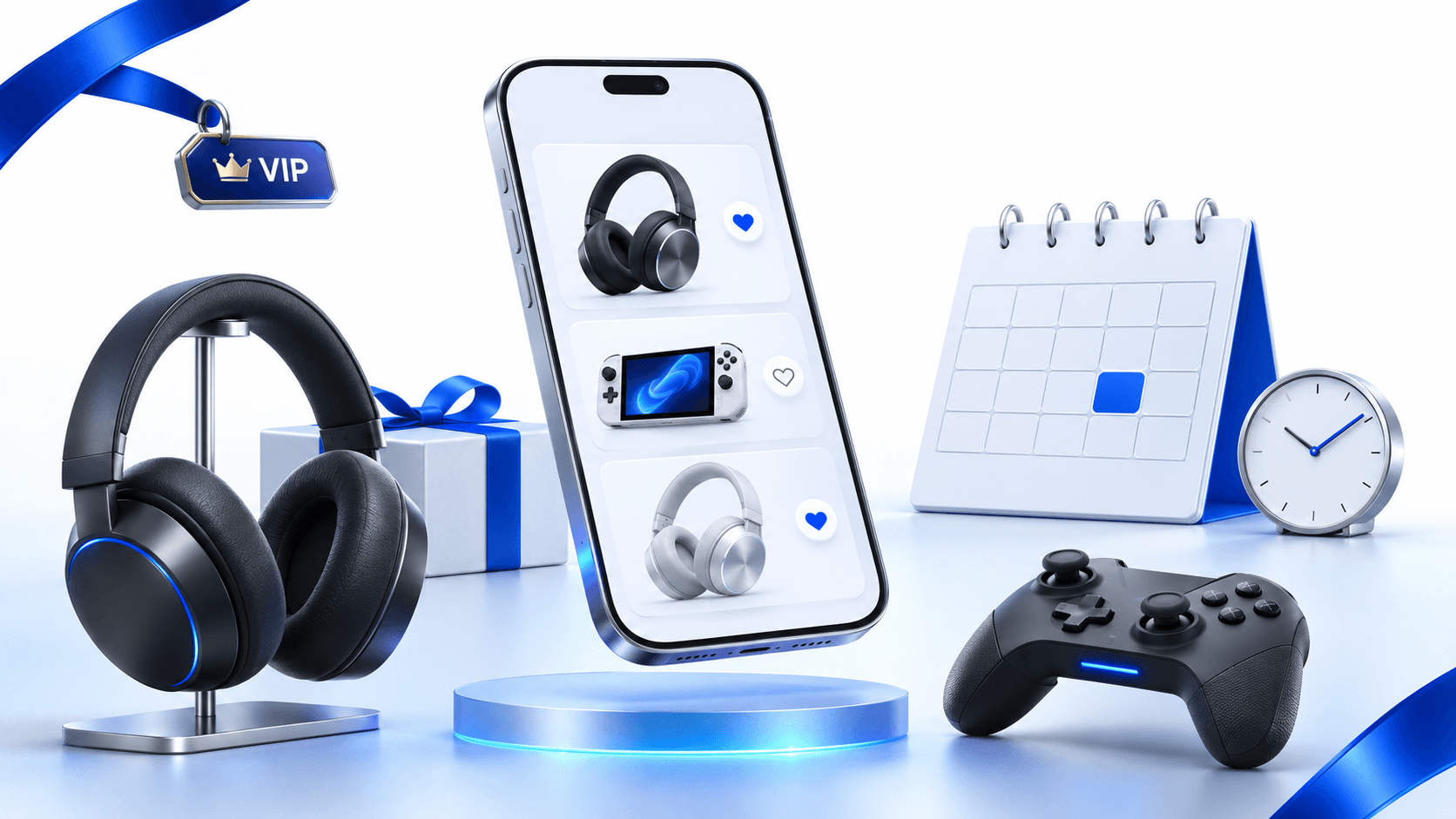
4. Combine VIP Early Access With Exact-Model Wishlists
Let shoppers save the model, storage size, and color they want. Then invite subscribers or past buyers to a real early-access window, such as 24–48 hours before the public sale.
A simple sequence: Preview eligible products, open VIP access on Wednesday, November 25, then launch publicly on Friday, November 27. Choose one campaign time zone, such as Eastern Time (ET), and use it in emails, ads, and countdowns. Show store pickup hours in the store’s local time.
Send the right update. Link a model-specific alert directly to that variant.
Control eligibility. Check coupon restrictions or your access tool. A hidden URL alone is not restricted access.
Plan the allocation. Decide how much stock remains for the public launch.
Test the message. Change one of two variants and check which subscriber receives the alert.
Keep requested alerts separate from general marketing preferences. Explain that saving an item or receiving an alert does not reserve stock.
Watch: Orders from invitations and alerts, plus unsubscribes.
5. Create FOMO With Real Limited-Stock Flash Drops
A short release can give shoppers a reason to return at a set time. Use stock you can verify, such as a small allocation of open-box monitors or selected accessory kits.
Try this: “Ten open-box monitors available Friday at 2 p.m. ET.” Show each unit’s condition and name the time zone.
Publish the release time and any per-customer limit.
Keep inventory consistent across your shop and website.
Explain how the final units are allocated during checkout.
Stop the drop message when the allocation is gone.
A countdown should end with the actual offer. The FTC identifies misleading countdowns as a deceptive design concern. Refreshing the page should not give Sunday another six hours.
Watch: Fulfilled orders, oversold stock, and payment failures during the release.
6. Highlight WooCommerce Black Friday Deals With Better Badge
Your banner says “Black Friday.” The product grid says “Sale.” Help shoppers see what each offer actually means.
With our plugin, Better Badge Pro, you can customize labels, target qualifying products, and schedule promotional badges. Keep the main message specific:
Bundle Deal: A complete setup sold together.
Open Box: A condition cue linked to full product details.
Only 3 Left: A stock-based message supported by inventory.
Black Friday: A scheduled label for the actual campaign window.
Use distinct designs for condition and promotion labels. Keep them readable on mobile. If only the 256GB version has a saving, make that distinction clear.
Watch: Product-card clicks and completed purchases.
You have earned the click. Next, make sure the product page answers the questions that could stop the order.
Help Electronics Shoppers Choose With Confidence
Use the product page to explain what fits, what is different, and what the buyer will receive. Keep the important answers near the buying controls.
7. Make Compatibility and Product Comparisons Easy
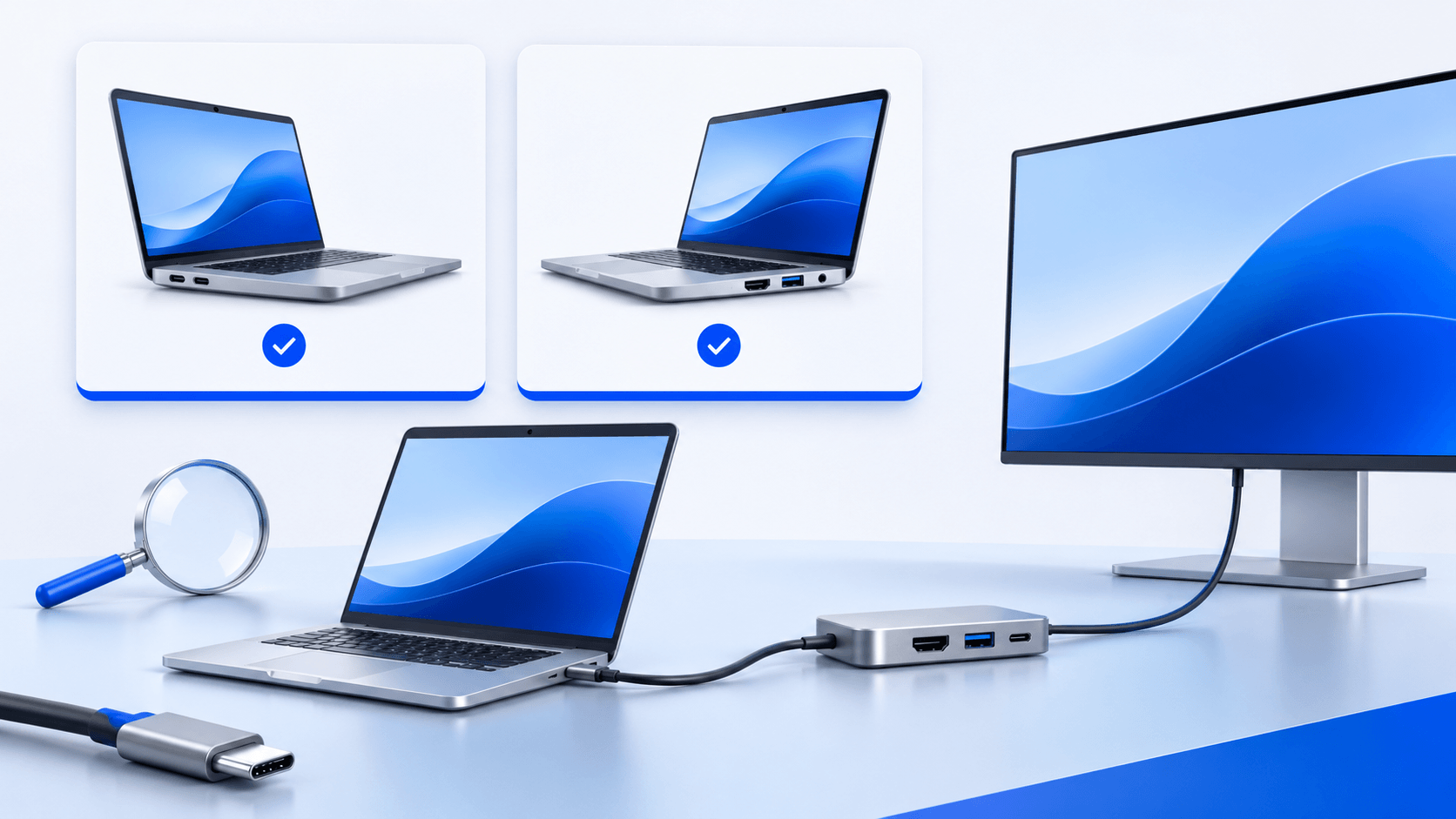
Put a short “Works with” checklist near the buy button. For a dock, state supported models, display limits, required power, and whether the power supply is included. A USB-C connector alone does not explain every capability.
Baymard’s compatibility research explains why shoppers need help finding items that work together. Verify your claims against specifications for the exact models you sell.
Support model searches. Help people find accessories for the device they own.
Compare a few options. Use two or three relevant devices rather than your entire catalog.
Explain the difference. Translate storage, ports, or memory into a useful buying consequence.
Keep rows consistent. Include warranty and accessories for every model.
Example: “512GB instead of 256GB” tells shoppers the specification. “More room for local files and games” explains why they might care.
Watch: Compatibility questions and wrong-accessory returns.
8. Show the Real Black Friday Saving and Exact Model
Make the offer easy to fact-check. Show the model number, generation, storage, condition, and included items. Link to the manufacturer’s specifications where helpful.
Use a truthful reference price and explain the comparison. Keep a record of the price you use. An older, lower-spec device should not be compared with the launch price of a newer model.
Add a “Who is this for?” note. For example: “Good for web browsing and documents. Choose another model for demanding video editing.” A clear limitation can help the right buyer choose confidently.
When comparing new and refurbished stock, show the warranty and condition difference alongside the price. Then display delivery charges and any required coupon before checkout.
Watch: Price-related questions, product-to-cart actions, and cancellations.
9. Match Your Black Friday Ads to the Landing Page
If the ad shows a laptop with a free mouse, the destination should show that model and explain how to get the mouse. Repeat the advertised offer, code, eligibility rules, and end time.
Open the advertised model and variant from the campaign link.
Place the offer near the top of the destination page.
Check the gift or bundle and final checkout price.
Repeat the test on a phone in a fresh session.
If the item sells out, keep the campaign page useful. Mark the original offer as unavailable and show clearly labeled alternatives. Update the ad and promotion rules together.
Use one offer sheet so marketing and support explain the same deal. Our WooCommerce Black Friday checklist covers the wider journey from offer to completed order.
Watch: Purchases from campaign visits and where those shoppers leave.
Clear pages do a lot of the work. Helpful demonstrations and follow-ups can answer the questions that remain.
Electronics Content and Follow-Ups That Bring Buyers Back
Show the product doing something useful. After the order, help the buyer get started before asking for another purchase.
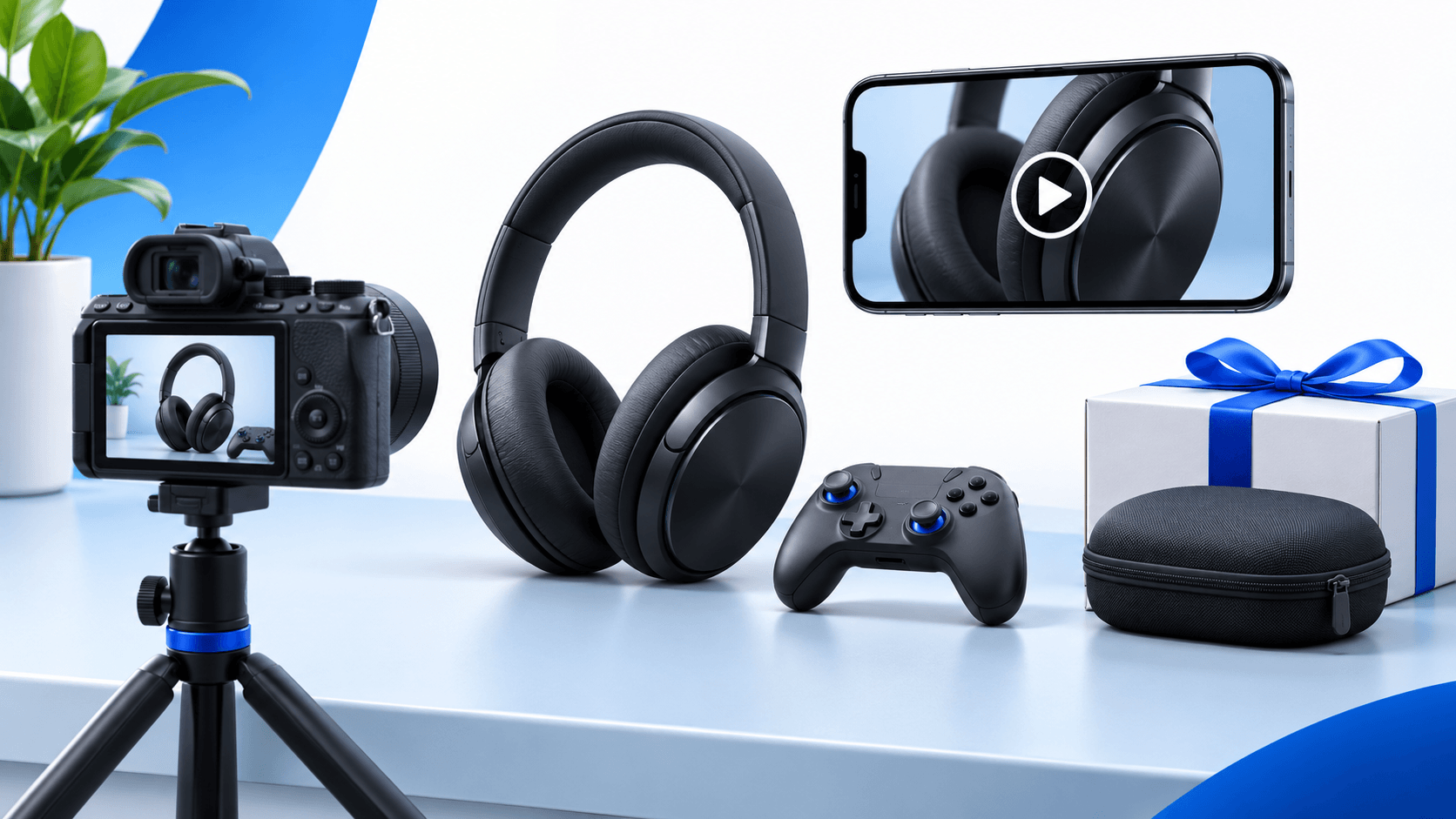
10. Film Short Tech Demonstrations That Answer Buying Questions
Choose one question per video. Use the exact device and configuration you sell, with test conditions explained when they affect the result.
Show the laptop connecting to the advertised dock and display.
Show exactly what comes inside the bundle.
Show an open-box unit’s actual condition.
Demonstrate a microphone or setup process under stated conditions.
A 20-second idea: Show the laptop, plug in the dock, connect the monitor, and show the result. Link to the tested setup. That is more helpful than another dramatic box opening.
Use customer comments and public communities to find repeated questions. The Reddit and EMARKETER holiday report, based on 1,001 US holiday purchasers, highlights the role of candid peer perspectives.
Brief creators to show one useful task and one limitation. Disclose paid or gifted relationships. Add captions and link to the exact product or collection.
Watch: Product visits and purchases from the content, alongside repeat questions.
11. Make Delivery, Pickup, and Payment Details Part of the Offer
Some shoppers are choosing the store that can get the device to them in time. Put shipping estimates, pickup availability, installation slots, and gift return terms near the buy button.
Confirm capacity. Stop advertising pickup or installation slots when they are full.
Explain dates. Distinguish an estimated ship date from an arrival promise.
Show the full cost. Show shipping costs and let shoppers estimate sales tax and delivery by ZIP code before they commit.
For US shoppers, show prices in dollars and test the credit card and express checkout options your store supports, such as Apple Pay, Google Pay, or PayPal.
If you offer buy now, pay later, show the full device price beside the payment schedule and link to the provider’s terms.
Explain the holiday return deadline, any restocking fee, and the terms for opened or activated devices. Name the warranty provider and say whether the manufacturer’s US warranty applies to the exact unit. Give support staff the same information.
Watch: Late shipments, delivery questions, and exits after shipping appears.
12. Follow Up With Setup Help and Accessories That Fit
Send setup guidance around delivery. Then, where marketing consent allows, recommend a few verified accessories for the purchased model. Exclude anything already included in the order.
Example: “Getting started with your camera? Here is the setup guide. These two memory cards match your model.” Verify the required specifications before sending.
Link to the correct model, case size, or charger.
Explain why the accessory is useful.
Include support and return links.
Use a clear reward only if the margin supports it.
A future accessory credit can encourage another visit. State exclusions, minimum spend, expiration date, and whether it combines with other offers. A wallet pass is optional if your existing tools support it; keep an email or account-based route too.
Plan Cyber Monday before launch. If the offer changes, explain the difference. Avoid adding a complicated new rewards system at the last minute.
Watch: Repeat purchases and profit after rewards, plus unsubscribes and returns.
Black Friday Electronics Marketing Cheat Sheet
Choose one problem and a few related actions. A small store can test one product family first. A larger team can repeat the process across categories after checking the results.
Your priority
What to try first
Increase basket value without blanket discounts
Combine: Compatible bundles and useful gifts (1–2). Start small: One device family. Measure: Profit after variable costs.
Move older or returned stock
Start: Separate open-box collection (3). Measure: Units sold and condition-related returns.
Bring interested shoppers back
Combine: Exact-model wishlists and VIP access (4). Measure: Orders from alerts and invitations.
Make time-limited offers clear
Combine: Real flash drops and targeted badges (5–6). Measure: Fulfilled orders and product-card clicks.
Reduce “will this work?” doubts
Combine: Compatibility details and short comparisons (7). Measure: Questions and wrong-item returns.
Convert campaign traffic
Combine: Clear model and price details, matching landing pages, and demos (8–10). Measure: Purchases from campaign visits.
Make a reliable delivery offer
Start: Visible delivery, pickup, and payment terms (11). Measure: Late shipments and checkout exits.
Encourage the next useful purchase
Start: Setup help and model-specific accessories (12). Measure: Repeat profit and unsubscribes.
Final Takeaway
Electronics can take time to choose. In Criteo’s 2026 research, consumer electronics had the longest purchase consideration window among the categories measured. That does not mean every gadget purchase involves weeks of research, but it shows why clear answers matter.
I have seen my tech-enthusiast friends compare the same device across three or four online stores, call the shops, and then visit them to work out which has the best deal.
It always makes me wonder whether the phone calls, travel costs, and hours spent hunting have started eating into the saving. The bargain has developed its own operating expenses.
But I understand why they do it. A device can be a big purchase, and nobody wants the wrong model, a missing accessory, or a warranty surprise.
Give your shoppers fewer reasons to keep searching. Show the exact model, real saving, compatibility, warranty, and delivery details. Make useful bundles and qualifying offers easy to spot with clear product badges.
The best Black Friday marketing ideas for electronics stores help people feel ready to buy. Remove those buying doubts before another store does.
Hope your store is where their search ends this Black Friday.
Frequently Asked Questions
What are good Black Friday promotion ideas for a small electronics store?
Start with one compatible bundle, a clear open-box collection if you have the stock, and targeted product badges. Promote the exact models you can fulfill. A small, well-explained offer is easier to manage than a storewide campaign with many exceptions.
How do I create Black Friday electronics bundles without losing profit?
Calculate the full variable cost of the device and accessories, including fees, packaging, shipping subsidies, and expected returns. Compare the bundle price with the profit you need to keep. Test a small range and review profit per order, not just basket value.
How early should an electronics store promote Black Friday?
Give shoppers time to research before the public sale. Start with a product preview or wishlist, then a defined early-access window if you can support it. For 2026, Black Friday is November 27. Use your stock, audience, and remaining preparation time to set the schedule.
How can WooCommerce product badges help a Black Friday sale?
Badges can make the offer or condition easier to notice in a product grid. Use messages such as Bundle Deal, Open Box, or an accurate saving on qualifying items. Better Badge supports custom labels and targeted display. Set the actual discount and coupon rules separately.
When are Black Friday and Cyber Monday in 2026?
Black Friday is Friday, November 27, 2026. Cyber Monday is Monday, November 30. Give each offer a clear start and end time. Use the same time zone across your website, emails, ads, and scheduled badges.
How can a small electronics store compete with Amazon or Best Buy on Black Friday?
Focus on a reason to choose your store beyond the sticker price. Offer a verified compatible bundle, useful setup help, or reliable local pickup if you can deliver it. Show the exact model, included accessories, and warranty. You do not need to beat every price across your entire catalog.
Should an electronics store offer Black Friday price matching?
Only if the numbers and support process work for your store. Define eligible competitors, exact model and condition, stock requirements, claim deadlines, and exclusions. Put the policy near the offer. If you cannot match a price profitably, explain the value of your bundle or service without implying that different products are identical.
How can electronics stores reduce Black Friday returns?
Start before checkout. Show compatibility, dimensions, condition, included accessories, and any important limitations. Make the holiday return deadline and any restocking fee easy to find. After delivery, send setup guidance for the exact model. Track return reasons so you can fix recurring product-page gaps.
Should electronics stores change their offers for Cyber Monday?
They can, but plan the difference before Black Friday begins. You might feature a different accessory bundle, a new product group, or remaining stock. Explain what changed and honor the original offer’s end time. Give previous buyers useful setup help instead of immediately pushing them to buy the device they just ordered.
Help the right shoppers find clothes they love this Black Friday. Explore 15 practical marketing ideas for clothing stores, including outfit bundles, creator collaborations, product badges, size alerts, and targeted emails, with WooCommerce tips to put them into action.
TL;DR The parts most Black Friday guides skip Most Black Friday marketing ideas come from companies that sell email tools, review apps or payment gear. Their ideas are good. But they skip the dull parts that decide whether you make money. This guide stays on marketing. I start with the not so obvious moves, then […]




 Samia Nasreen
19 min read