Not every plugin makes the cut as a must-have WordPress plugin for ecommerce. Some are nice extras. Others are what keep an ecommerce store secure, fast, functional, and ready to sell.
A plugin that adds confetti when someone clicks “Add to Cart” is fun. But it comes after the basics: security, backups, performance, SEO, checkout, and the tools that help customers make a purchase.
Get that foundation wrong and you can end up with plugin conflicts, slow pages, checkout issues, and lost sales.
But there are thousands of plugins out there, so which ones does an ecommerce store actually need?
Don’t worry, I’ve done the plugin-hunting for you.
In this guide, I’ll break down what’s essential for your store and the best WordPress plugin for each job, based on hands-on experience, research, and real-world results.
What an Ecommerce Store Actually Needs
Before choosing plugins, it helps to forget the plugin names for a minute. Start with the jobs your store needs to get done.
These aren’t nice-to-haves. They’re the foundation every ecommerce store needs to run, protect itself, and actually make sales.
An ecommerce store needs plugins that let you:
Manage products, orders, payments, and inventory in one place
Protect your site and customer data from security threats
Recover quickly with reliable backups when something breaks
Load pages fast so customers don’t leave before they buy
Get found in search with proper SEO
Keep product images sharp without slowing the store down
Highlight sales, low stock, and best sellers at a glance
Simplify checkout so nothing gets in the way of a purchase
Build trust with genuine customer reviews
Bring customers back with email marketing
So which plugin gets each job done? Let’s find out.
10 Must-Have WordPress Ecommerce Plugins at a Glance
Your store needs to…
Functionality
Plugin
Key features
Run products, orders, payments & inventory
Store management
WooCommerce
Products, cart, checkout, orders, payments
Protect the store & customer data
Security
Wordfence
Firewall, malware scanning, login security
Load pages quickly
Performance & caching
WP Rocket
Page caching, lazy loading, file optimization
Get discovered in search
SEO
Rank Math SEO
Schema, sitemaps, SEO analysis, WooCommerce SEO
Make buying easier
Checkout optimization
CartFlows
Custom checkout, order bumps, upsells, A/B testing
Make important products stand out
Product visibility
Better Badge
100+ badge templates, conditions, scheduling, custom HTML
How I Built This List of Must-Have Ecommerce Plugins
There are thousands of WordPress plugins that can help with ecommerce, so I didn’t want to put together another list based purely on popularity or active installations.
I chose these based on a mix of:
What I’ve used myself
Plugins I’ve picked up when I needed to solve a specific problem
Recommendations from other store owners
WordPress and ecommerce community discussions
What has actually worked well in practice
I’ve tried different options for different jobs, compared what they offer, and narrowed the list down to the ones I’d personally pick when I need that particular functionality.
The ecommerce journey I used
I also didn’t want to treat every plugin as an isolated tool. An ecommerce store has different needs at different stages, so I mapped the essentials around the way a store actually works:
Getting the store running → Getting people there → Getting them to buy → Supporting the store → Bringing them back
Here’s how that translates into the list:
Stage
What the store needs
Plugins I picked
Get the store running
Store management & security
WooCommerce, Wordfence
Get people there
Speed & search visibility
WP Rocket, Rank Math SEO
Get them to buy
Better checkout & product visibility
CartFlows, Better Badge
Support the store
Image optimization & backups
ShortPixel, UpdraftPlus
Bring them back
Trust & retention
Customer Reviews for WooCommerce, Mailchimp for WooCommerce
So this isn’t a list of the ten most popular plugins I could find. It’s the ten plugins I think best cover the essential jobs an ecommerce store needs to get done, based on what I’ve used, what I’ve learned from other store owners, and what has worked well in practice.
Some plugins on this list are long-established names. Others are newer. Age and popularity weren’t the deciding factors. What mattered was how well each plugin does its job, how much flexibility it gives you, how easy it is to use, and whether I’d actually recommend it to someone building or running a WooCommerce store.
10 Must-Have WordPress Plugins for Ecommerce
Each plugin below solves a different problem an ecommerce store commonly faces. Some run the store itself. Others protect it, speed it up, help shoppers find and trust your products, or bring customers back.
Here’s a closer look at each one, starting with the plugin that runs the whole store.
1. WooCommerce: Store Management
WooCommerce is the plugin that turns a WordPress website into an actual online store. It’s free, open source, and the most widely used ecommerce plugin for WordPress, which is why so many themes, extensions, payment tools, shipping solutions, and other ecommerce plugins are built around it.
At its core, your store needs a system to manage the basics of selling online:
adding products
setting prices
managing inventory
processing orders
accepting payments
handling shipping
WooCommerce is that system.
When a customer buys a pair of shoes, WooCommerce records the order, updates the available stock, processes the payment through your chosen gateway, and gives you the information needed to fulfill the order.
It also provides the product, customer, order, and store management tools that keep everything connected behind the scenes.
Without that foundation, you don’t really have an ecommerce store to begin with. You have a WordPress website displaying products.
Why it stands out
Foundation of WordPress ecommerce.
WooCommerce isn’t just another plugin that adds an ecommerce feature to WordPress. It provides the core infrastructure your store needs to actually sell, from products and carts to checkout, orders, payments, and inventory.
Complete store management system.
Instead of piecing together separate tools for products, orders, customers, and inventory, WooCommerce brings the essential parts of running an online store into one place.
Works with almost any type of product.
Physical products, digital downloads, subscriptions, memberships, bookings, and more can all be built into a WooCommerce store through its core features and extensions.
An enormous ecosystem built around it.
Because WooCommerce is so widely adopted, there are thousands of themes, extensions, payment gateways, shipping integrations, marketing tools, and other plugins designed to work with it. That makes it much easier to build a store around your specific needs.
Free to start and flexible enough to grow with you.
The core plugin is free, so you can build a fully functional store without paying for the platform itself. As your business grows, you can add extensions for things like subscriptions, bookings, memberships, advanced shipping, or additional payment methods.
You have control over your store.
WooCommerce runs on your WordPress site, giving you control over your store, content, and data rather than locking your business into a hosted ecommerce platform.
That flexibility does come with a responsibility: you can have too much of a good thing.
Adding plugins and customizations without considering compatibility, performance, or whether you actually need them can eventually lead to conflicts and a slower store.
The better approach is to get your WooCommerce foundation running properly first, then add only the tools that solve a real problem for your store.
Best for: Any WordPress ecommerce store. Whether you’re launching your first online shop, selling a handful of digital products, or running a growing catalog of hundreds of physical products, WooCommerce provides the foundation everything else in your store can build on.
In short: WooCommerce isn’t just another plugin you add to a WordPress store. It is the store.
2. Wordfence: Store Security
An ecommerce store isn’t just a website. It holds customer accounts, order details, personal information, and sometimes sensitive payment-related data. That makes it a much bigger target than a typical blog or portfolio site.
Wordfence is a WordPress security plugin designed to protect your site from common threats such as malicious login attempts, malware, suspicious traffic, and brute-force attacks.
Think about what happens when someone tries to log into your store’s admin account over and over, hoping to guess the password. Wordfence can recognize that kind of activity and block the attacker before they get access.
And security isn’t only about stopping someone from logging in. A compromised plugin, theme, or WordPress file can create problems without you noticing right away. That’s why having something monitoring the store in the background matters.
Why it stands out
Built-in firewall.
Wordfence includes a web application firewall that filters malicious traffic and blocks known attack patterns before they can reach your site. That gives your store a layer of protection instead of simply waiting for something suspicious to happen.
Malware scanning.
It scans your WordPress files, plugins, and themes for known malware, suspicious changes, and other signs that something may have been compromised. This can help you catch problems that aren’t immediately visible to you or your customers.
Strong login protection.
Brute-force attacks are one of the simplest ways attackers try to get into WordPress sites. Wordfence can limit repeated login attempts and supports two-factor authentication, making it much harder for someone to gain access even if they manage to obtain a password.
Real-time security alerts.
You don’t want to discover that your store was being attacked days or weeks after it happened. Wordfence can alert you to suspicious activity, giving you a chance to investigate and respond before a small problem becomes a much bigger one.
Designed specifically for WordPress.
Because Wordfence is built around WordPress, it can monitor the files, login system, plugins, themes, and other parts of the platform that generic security tools may not understand as deeply.
The free version covers many of the core security needs of a typical store. The premium version adds features such as real-time firewall and malware-signature updates, which can become more valuable as your store grows and attracts more traffic.
Security also works best as part of a bigger plan. A security plugin can reduce your risk, but it shouldn’t replace strong passwords, regular updates, reliable backups, and good hosting practices.
Best for: Any WordPress ecommerce store. If your site has customer accounts, orders, personal information, or simply matters to your business, security isn’t something to add later. It’s part of the foundation.
In short: Your store can survive a slow week. It can’t afford to have its customer data, orders, or entire website compromised. Wordfence helps put a security layer between your store and the threats constantly looking for a way in.
3. WP Rocket: Performance & Caching
Customers don’t want to wait for your store to load. A slow product page can be enough to make someone leave before they even see what you’re selling.
WP Rocket is a premium caching and performance plugin designed to make WordPress sites load faster without requiring you to be a performance expert. It stores ready-to-serve versions of your pages and optimizes the files and media your visitors need, so your server doesn’t have to do the same work from scratch for every visit.
For an ecommerce store, that matters across the entire shopping journey. If your homepage takes too long to load, a customer might leave before browsing. If a product page is slow, they might never see the product. And if several pages are slow, even a customer who wants to buy may give up before reaching checkout.
Why it stands out
Easy to set up.
WP Rocket is built for users who don’t want to spend hours configuring technical performance settings. Many of its optimization features can be enabled with minimal setup, making it easier to improve your store’s performance without needing to be a developer.
Caching that reduces server work.
Instead of rebuilding the same page every time someone visits it, WP Rocket can serve a cached version to visitors. This reduces the amount of work your server has to do and can make frequently visited pages load much faster.
File optimization.
It can optimize your CSS and JavaScript files by reducing unnecessary data and controlling when certain files are loaded. The result is less work for the browser and fewer resources competing for the visitor’s attention during the initial page load.
Lazy loading for images and videos.
Large product images can make ecommerce pages surprisingly heavy. WP Rocket can delay loading images and videos until they’re close to appearing on screen, so the browser doesn’t have to load everything at once.
WooCommerce compatibility.
Ecommerce sites have pages that can’t simply be cached like regular content. Cart, checkout, and account pages need to remain dynamic and personalized. WP Rocket is designed to work with WooCommerce while excluding these sensitive pages from caching where necessary, helping you improve performance without breaking the shopping experience.
WP Rocket is premium, so unlike WooCommerce, Wordfence, and UpdraftPlus, there isn’t a free version of the plugin to use indefinitely. For stores where performance is a priority, the convenience and range of built-in optimization features can make the paid license worthwhile.
It’s also worth remembering that a caching plugin isn’t a magic speed button. Your hosting, theme, plugins, images, database, and overall site setup all affect performance. WP Rocket can optimize a lot, but it can’t fix every underlying performance problem on its own.
Best for: WordPress ecommerce stores that want a simpler way to improve page speed and are willing to invest in a premium performance plugin. It’s particularly useful for stores with image-heavy product pages, lots of visitors, or noticeable loading issues.
In short: Your store can have great products, great prices, and a great checkout. But if the page takes forever to load, the customer may never see any of it. WP Rocket helps make sure slow loading isn’t what stops the sale before it even starts.
4. Rank Math SEO: Search Optimization
Your site loads fast. Your products look great. Your checkout works perfectly.
But what good is any of that if nobody can find your store?
That’s where SEO comes in.
Having great products isn’t enough if your store never shows up when potential customers search for what you sell. Rank Math is an SEO plugin that helps you optimize the parts of your WordPress site that search engines use to understand and rank your content, including product titles, meta descriptions, XML sitemaps, canonical URLs, schema markup, and other technical SEO settings.
For example, if you sell handmade leather bags, you don’t want search engines to see your product page as just another generic page on your website. You want them to understand what the product is, what it’s about, and which searches it could be relevant for.
That’s especially important for ecommerce because every product page is another opportunity to appear in search. The more clearly those pages are optimized, the more opportunities you have to put your products in front of people who are already looking for them.
Why it stands out
Built-in schema markup.
Rank Math can add structured data to your product pages, helping search engines understand important details such as product names, prices, availability, and reviews. This can also make your pages eligible for enhanced search results that display additional product information.
Real-time SEO analysis.
You don’t have to guess whether your product page is properly optimized. Rank Math analyzes your content as you work and gives you recommendations for things like keywords, headings, links, meta descriptions, and other SEO elements.
WooCommerce-specific optimization.
An ecommerce site isn’t structured like a regular blog. Rank Math includes settings specifically for WooCommerce products, product categories, and other store content, so you can optimize the pages that actually drive product discovery.
Helps with technical SEO.
SEO isn’t only about putting keywords into product descriptions. Rank Math also helps manage things like XML sitemaps, canonical URLs, robots settings, redirects, and other technical details that can affect how search engines crawl and understand your site.
Generous free version.
A lot of the SEO functionality a growing store needs is available in the free version. That makes Rank Math a practical starting point for stores that want to improve their organic visibility without immediately paying for an SEO plugin.
SEO also isn’t an overnight traffic generator. Optimizing your store doesn’t guarantee that every product will rank, and search rankings depend on factors beyond what a plugin can control. What Rank Math does is give you the tools to make your site easier for search engines to understand and optimize the important parts correctly.
Best for: Any WordPress ecommerce store that wants to build organic search traffic and reduce its dependence on paid advertising. It’s especially useful for stores with a large product catalog, where every well-optimized product page can become another opportunity to be discovered.
In short: Your store can be fast, secure, and packed with great products. But if customers can’t find it in search, none of that gets a chance to matter. Rank Math helps put your products where potential customers are already looking.
5. CartFlows: Checkout Optimization
If someone has made it all the way to checkout, very little should stand between them and completing the purchase.
They’ve found a product, decided they want it, added it to their cart, and started the checkout process. At that point, unnecessary fields, confusing steps, distractions, or a poorly designed checkout can turn a ready-to-buy customer into an abandoned cart.
CartFlows is a checkout and sales funnel plugin for WooCommerce that helps remove that friction. It gives you more control over your checkout pages and buying journey, so you can create a simpler path to purchase instead of relying entirely on the default WooCommerce checkout experience.
Why it stands out
Build focused checkout flows.
CartFlows lets you create guided buying journeys that can include landing pages, product pages, checkout, and post-purchase offers. This gives you more control over how customers move through the buying process.
Order bumps and one-click upsells.
You can offer relevant add-ons or upgrades while a customer is already making a purchase. For example, someone buying a camera could be offered a memory card as an order bump or a better camera package as an upsell.
Customizable checkout pages.
You’re not stuck with the default WooCommerce checkout layout. CartFlows gives you more control over the design and content, so you can remove unnecessary distractions and create a checkout experience that fits your store.
Built-in A/B testing.
Different checkout designs can produce very different results. CartFlows lets you test variations against each other so you can see which version actually performs better instead of relying on guesswork.
Works with popular page builders.
CartFlows integrates with tools such as Elementor and Gutenberg, making it easier to build and customize checkout and funnel pages without developing everything from scratch.
Built on top of WooCommerce.
CartFlows doesn’t replace WooCommerce. WooCommerce remains responsible for the core ecommerce functionality, while CartFlows gives you more control over the customer journey and conversion-focused parts of the buying process.
CartFlows also isn’t necessarily something every brand-new store needs immediately. If you have very little traffic, there may not be enough checkout activity to optimize yet. But once customers are reaching checkout and you’re seeing abandoned carts, removing unnecessary friction can have a direct impact on completed purchases.
Best for: WooCommerce stores that already have consistent traffic and want to improve checkout conversions, increase average order value, or create more customized buying journeys. It’s especially useful for stores where upsells, bundles, or complementary products make sense.
In short: If a customer has already made it to checkout, don’t give them a reason to stop. CartFlows helps you create a smoother path from “I’m buying this” to “Order confirmed.”
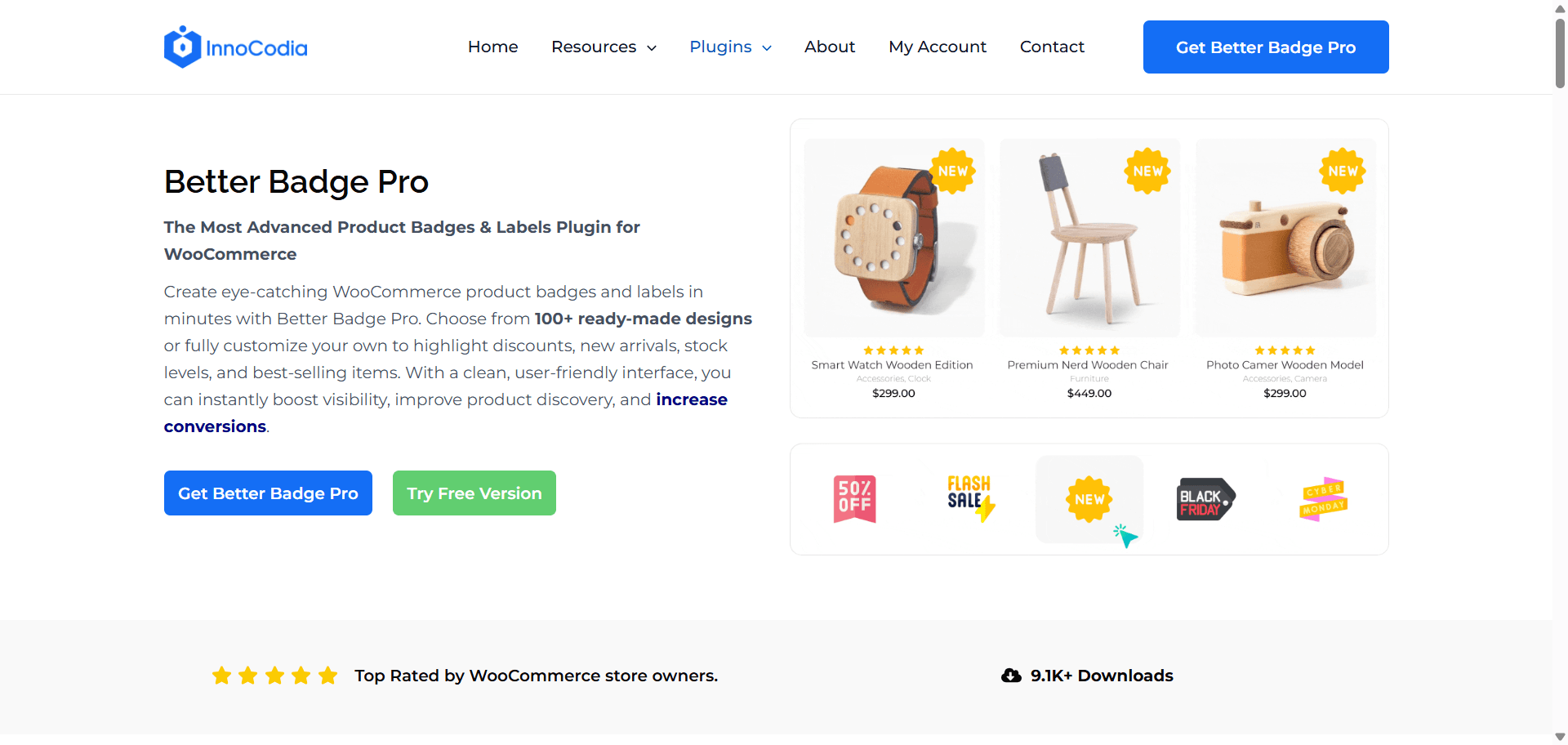
6. Better Badge: Product Visibility
Most shoppers don’t read an ecommerce product grid from top to bottom. They scan it.
They look at product images, prices, names, ratings, and anything else that catches their eye. That means a small visual cue can make a surprisingly big difference in what they notice first.
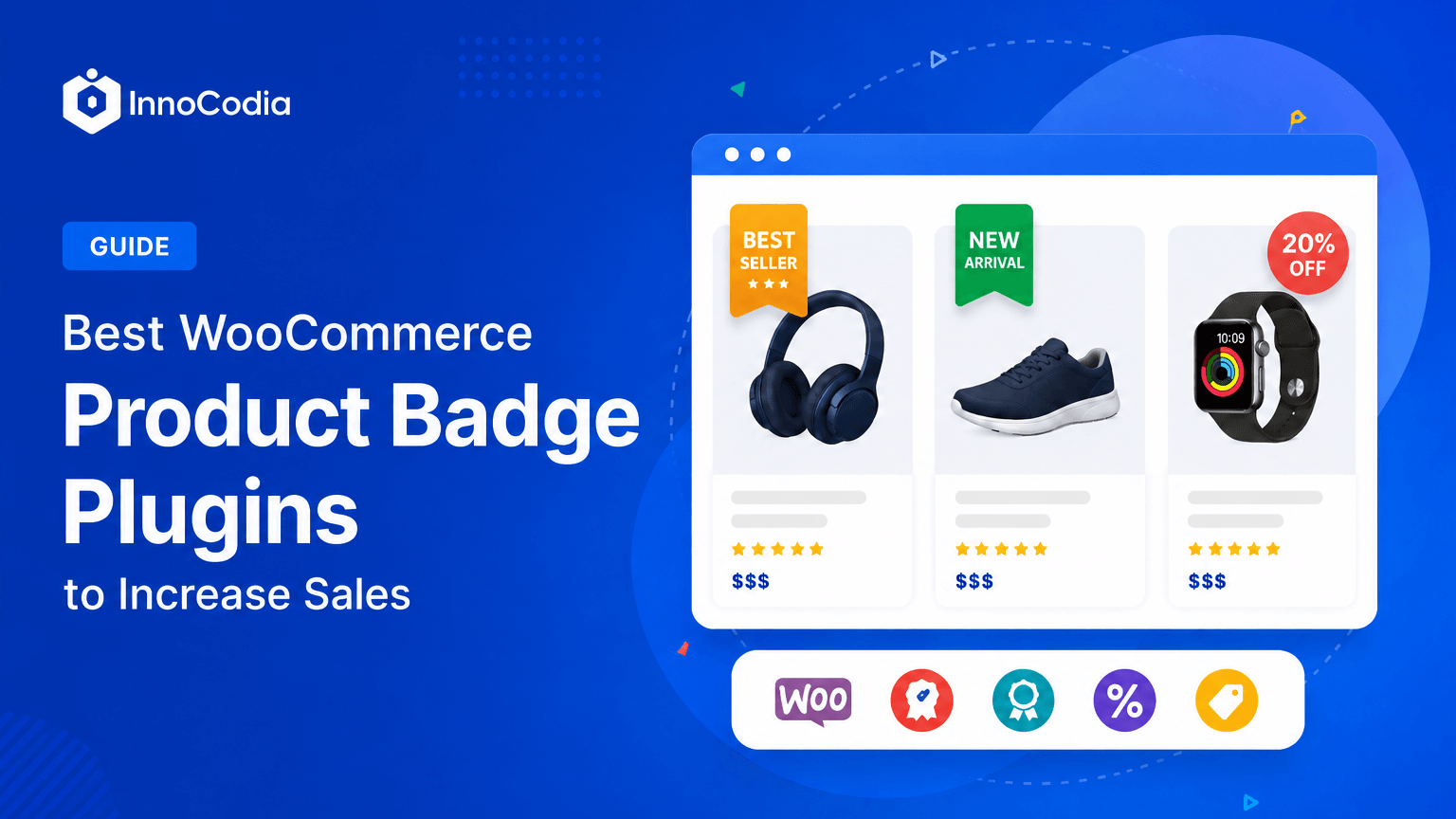
Better Badge lets you add badges such as Sale, 20% Off, Low Stock, New, Best Seller, and more directly to your WooCommerce products.
Think about walking into a physical store. A bright SALE sign immediately tells you where to look. Online, product badges work in much the same way. They add context to a product at a glance and help shoppers understand why it might be worth a closer look.
A badge can communicate something useful in a fraction of a second. “20% Off” tells you there’s a deal. “Low Stock” signals limited availability. “Best Seller” gives you a quick indication that other shoppers are buying it. Instead of making customers figure everything out from the product page, you can give them useful information right where they’re browsing.
Why it stands out
100+ ready-made badge templates.
You don’t have to design every badge from scratch. Better Badge includes 100+ ready-made templates for common use cases such as Sale, Best Seller, Limited Stock, New Arrival, Free Shipping, and more. You don’t need separate plugins for different types of product badges.
Fully customizable.
A badge should feel like part of your store, not something randomly placed on top of it. You can customize the text, colors, size, shape, position, animation, and more to match your brand’s visual identity.
Use your own images.
You’re not limited to the built-in designs. You can upload your own badge images when you have a specific design, campaign graphic, or branded label you want to use.
Add custom HTML when you need more control.
For stores that want to go beyond the standard badge options, custom HTML gives you more freedom to create unique badge content and designs.
Schedule badges for specific dates.
Running a limited-time sale? You don’t have to remember to add and remove the badge manually. You can schedule badges to appear and disappear at specific times, making them useful for seasonal promotions, flash sales, holiday campaigns, and other time-sensitive offers.
Create badges based on product conditions.
Instead of manually assigning every badge, you can use conditions to show the right badge for the right products. For example, you can automatically highlight products that are on sale, running low on stock, or meet other criteria you define.
Show multiple badges on the same product.
A product doesn’t always fit into just one category. You might want to show “20% Off”, “Best Seller”, and “Low Stock” on the same product. Better Badge lets you use multiple badges together when you need to communicate more than one thing.
Built with performance in mind.
Visual features shouldn’t come at the cost of a heavy store. Better Badge is designed to add badge functionality while keeping performance in mind, so you can make products more noticeable without unnecessarily weighing down your site.
Badges are also most effective when they’re used intentionally. Put a label on everything and nothing feels special. Use the right badge on the right product, and it can instantly communicate something a shopper might otherwise miss.
It’s also worth mentioning that Better Badge is one of the newer plugins on this list compared with more established names like WooCommerce, Wordfence, or UpdraftPlus. But being newer doesn’t mean it falls short.
For what it is built to do, it offers a strong balance of power, flexibility, and ease of use without making badge management unnecessarily complicated.
You get the ready-made templates to move quickly, the customization options to make them your own, and the advanced controls to handle more specific store requirements.
Best for: Ecommerce stores that want to make sales, discounts, stock levels, best sellers, new arrivals, and other important product information easier to notice. It’s especially useful for stores with larger product catalogs, frequent promotions, or products that need extra visual attention while shoppers browse.
In short: Shoppers only take a few seconds to scan your products. Better Badge helps you make those few seconds count and could be the difference between a shopper scrolling past and making a purchase.
7. ShortPixel: Image Optimization
Product images do a lot of the selling in ecommerce. Customers want to see the details, colors, textures, and quality of what they’re buying before they commit.
The problem is that good-looking product images can also be very large.
A single high-resolution product photo can easily be several megabytes. Multiply that across a product page with multiple images, then across an entire catalog, and your store can end up loading far more data than it actually needs to.
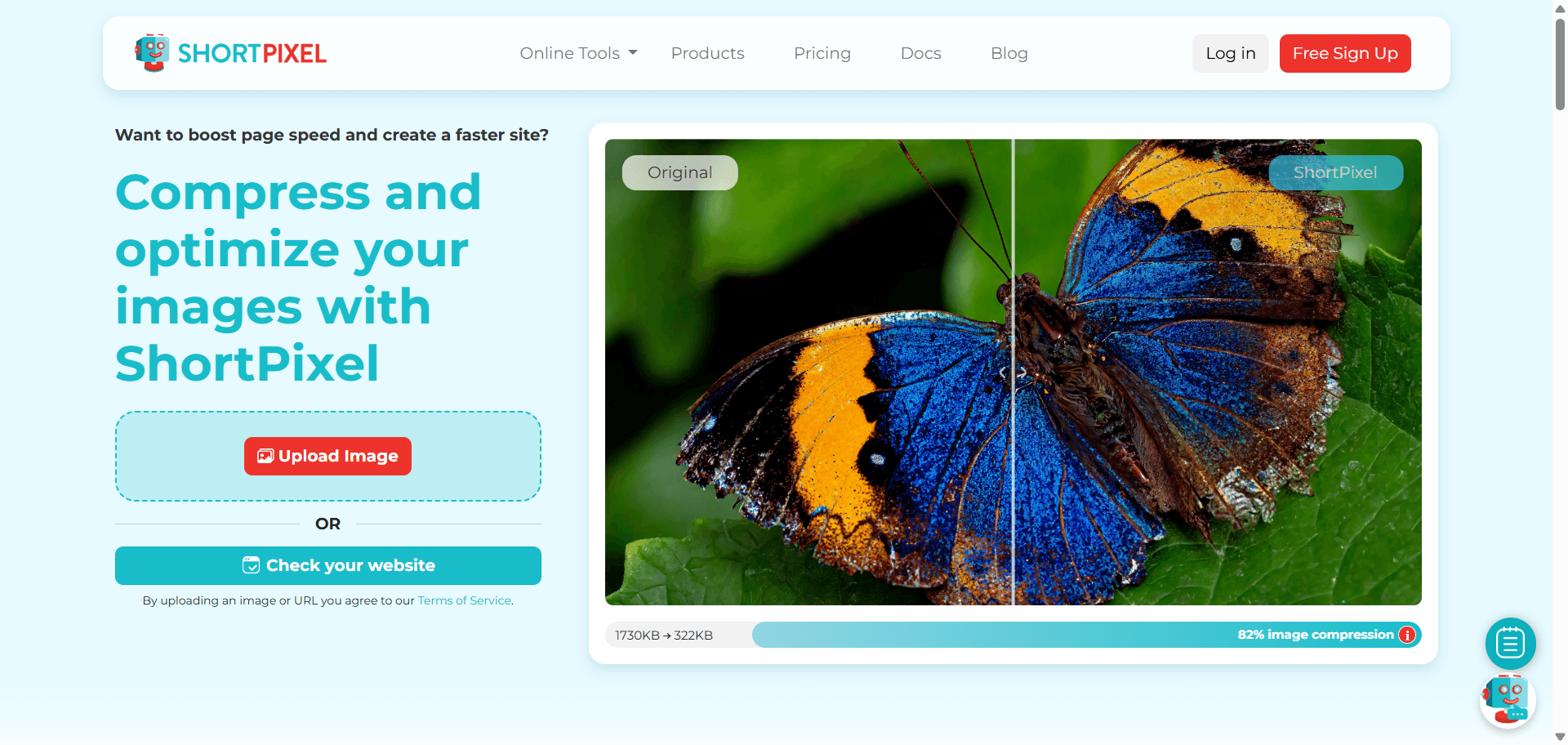
ShortPixel helps solve that by compressing and optimizing your images while keeping them looking sharp. A 3 MB product photo might look great, but if ShortPixel can reduce it significantly without a noticeable difference in quality, customers get the same visual experience with much less data to download.
Why it stands out
Bulk optimization.
Already have hundreds or thousands of product images sitting in your media library? You don’t have to optimize them one by one. ShortPixel can process your existing images in bulk, making it practical for stores with large catalogs.
WebP and other modern formats.
ShortPixel can convert images to modern formats such as WebP, which can deliver smaller file sizes while maintaining good visual quality. That means less data for the browser to download when customers view your products.
Lossy, glossy, and lossless compression.
Not every image needs the same level of compression. ShortPixel gives you different optimization options, so you can decide how much you want to reduce file size while balancing that against image quality.
Automatic optimization on upload.
You shouldn’t have to remember to compress every product photo before adding it to your store. Once configured, ShortPixel can automatically optimize new images as you upload them, keeping your image library lighter as it grows.
Keeps image quality in mind.
Aggressive compression can make product images look noticeably worse, which is the last thing you want when customers rely on those images to judge a product. ShortPixel is designed to reduce file sizes while preserving the visual details that matter.
Image optimization is also closely connected to performance. A faster site isn’t only about caching and code. If your store is sending unnecessarily large images to every visitor, you’re making the browser download more data than it needs to. Optimizing those images tackles the problem at its source.
Best for: Any ecommerce store using product photography, but especially stores with large catalogs, high-resolution images, or image-heavy product pages. If your store relies heavily on visuals, optimizing those images can improve performance without asking you to compromise on how your products look.
In short: Your product images need to look great. They don’t need to be huge. ShortPixel helps you keep the quality customers need while cutting the unnecessary weight your store has to load.
8. UpdraftPlus: Backup & Recovery
A backup is your safety net when something goes wrong.
A plugin update can create a conflict, a configuration change can break an important page, or a security issue can leave your site damaged. On an ecommerce store, the consequences can be even bigger. You could lose product data, orders, customer information, store settings, or hours of work trying to get everything working again.
With a recent backup, you have a working copy of your site that you can restore instead of trying to rebuild everything from scratch.
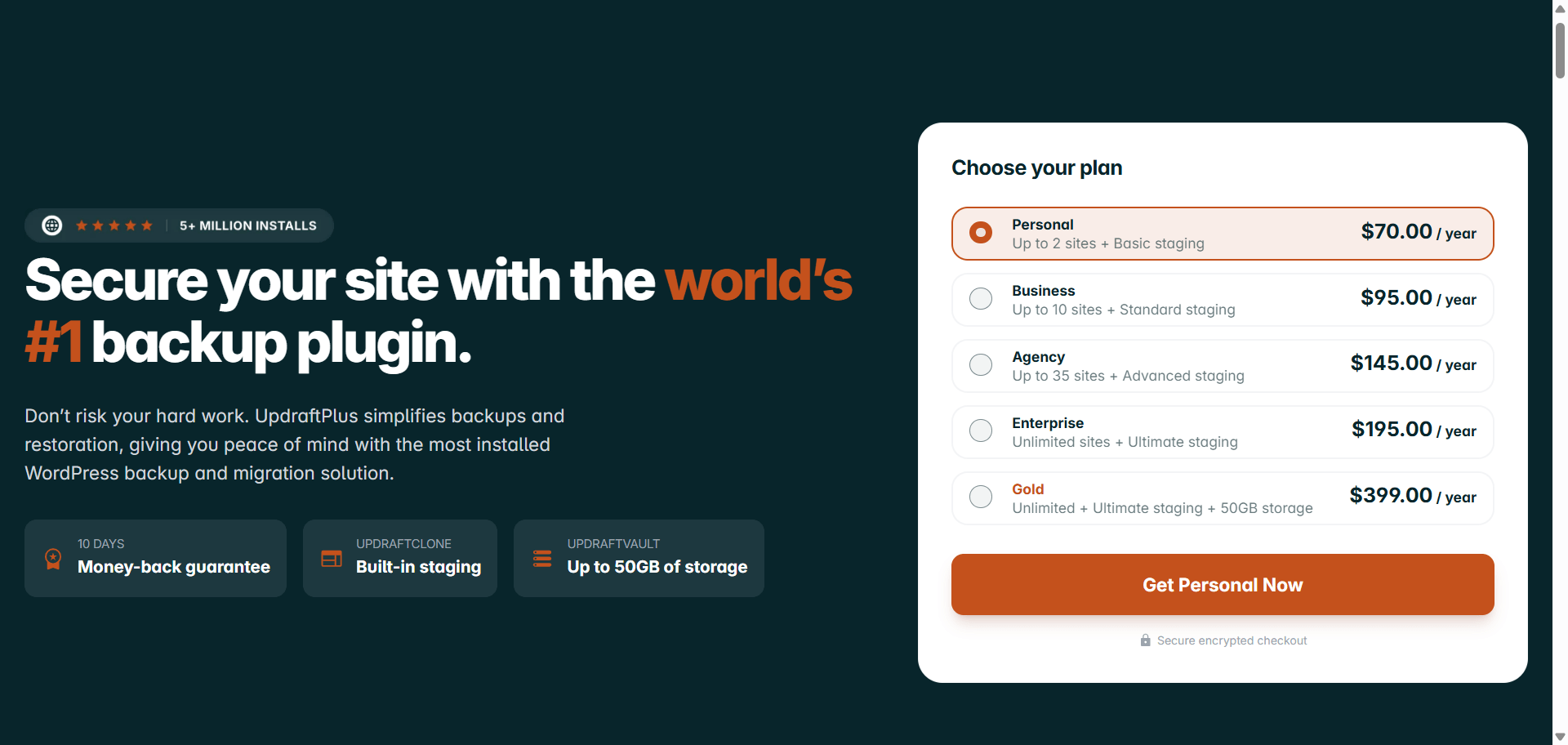
UpdraftPlus is one of the most widely used backup plugins for WordPress. It makes it easy to schedule backups, store them somewhere safe, and restore your site when you need to.
Why it stands out
Scheduled, automatic backups.
You shouldn’t have to remember to back up your store every time you make a change. UpdraftPlus lets you schedule automatic backups at intervals that make sense for your site, so your latest copy is created in the background.
Multiple cloud storage options.
Your backup shouldn’t live only on the same server as your website. If that server has a serious problem, you could lose both your store and its backup. UpdraftPlus can send backups to services such as Google Drive, Dropbox, Amazon S3, and other remote storage locations, giving you a separate place to keep your recovery files.
Simple restoration.
When something breaks, the last thing you want is a complicated recovery process. UpdraftPlus lets you restore your site from a previous backup without having to manually rebuild files or databases.
Back up different parts of your site.
You can back up your entire WordPress installation or choose specific components, such as your database, plugins, themes, and uploaded files. That gives you more control over what gets backed up and how much storage you use.
Useful before making changes.
Planning to update several plugins, change your theme, or make a major configuration change? Creating a fresh backup first gives you a point to return to if something unexpectedly breaks.
A hosting provider may already include backups, and you should absolutely use them if they’re available. But relying on your host alone means you’re putting your recovery options in someone else’s hands. Having your own backup system gives you more control over when backups happen, how long you keep them, and where they’re stored.
One important thing to remember: a backup only helps if it can actually be restored. Make sure your backups are running successfully and occasionally verify that your recovery process works as expected.
Best for: Every WordPress ecommerce store, regardless of size. Whether you have ten products or ten thousand, your store represents time, data, and revenue that you don’t want to lose. A backup plugin gives you a way back when something goes wrong.
In short: You don’t install a backup plugin because you expect your store to break. You install one because if it ever does, it can save you from a nightmare.
9. Customer Reviews for WooCommerce: Social Proof
When you’re shopping in a physical store, you can pick up a product, look at it from every angle, check the quality, and even ask someone about it.
Online, you can’t.
That’s where customer reviews become important. Customer Reviews for WooCommerce gives shoppers access to feedback from people who have already bought and used the product. Reviews can answer questions your product description can’t, from whether the product actually looks like the photos to how well it holds up in real use.
For example, a shopper deciding between two similar pairs of shoes might see the same basic information on both product pages. But if one has dozens of detailed reviews from customers talking about the fit, comfort, and quality, that extra reassurance can make the decision much easier.
Why it stands out
Reviews appear directly on product pages.
Customers don’t have to leave the product they’re considering to look for feedback somewhere else. Reviews can be displayed where shoppers are already evaluating the product, right alongside the information they need to make a decision.
Photo and video reviews.
Text can tell you that a product is good. A real customer photo can show you. Customers can include images and videos with their reviews, giving potential buyers a more realistic idea of what the product looks like outside of your own product photography.
Automated review reminder emails.
Getting customers to leave reviews can be difficult when you have to ask manually. The plugin can automatically send review reminders after an order, helping you collect more feedback without having to follow up with every customer yourself.
Review moderation.
Not every submission needs to go straight onto your product page. Moderation controls let you review incoming feedback and keep spam, irrelevant content, or inappropriate submissions from appearing publicly.
Helps build social proof.
Reviews don’t just answer product questions. Seeing that other people have already purchased and had a positive experience gives new customers additional confidence, particularly when they’re buying from your store for the first time.
Reviews also work best when they’re genuine. A product page filled with vague five-star comments doesn’t necessarily build trust. Detailed feedback, customer photos, and honest experiences are much more useful because they help shoppers understand what they’re actually getting.
Best for: Any ecommerce store where customers need reassurance before buying, especially stores selling to first-time visitors or products where quality, fit, appearance, or real-world performance can be difficult to judge from a product page alone.
In short: Your customers have already used the product. Let them help the next shopper decide. It’s good for them, and it’s good for your store.
10. Mailchimp: Email Marketing
Not every shopper who leaves your store is a lost customer.
Someone might browse a few products and leave. Someone might add an item to their cart and get distracted. Someone might buy once and never think about your store again. Email gives you a way to bring them back.
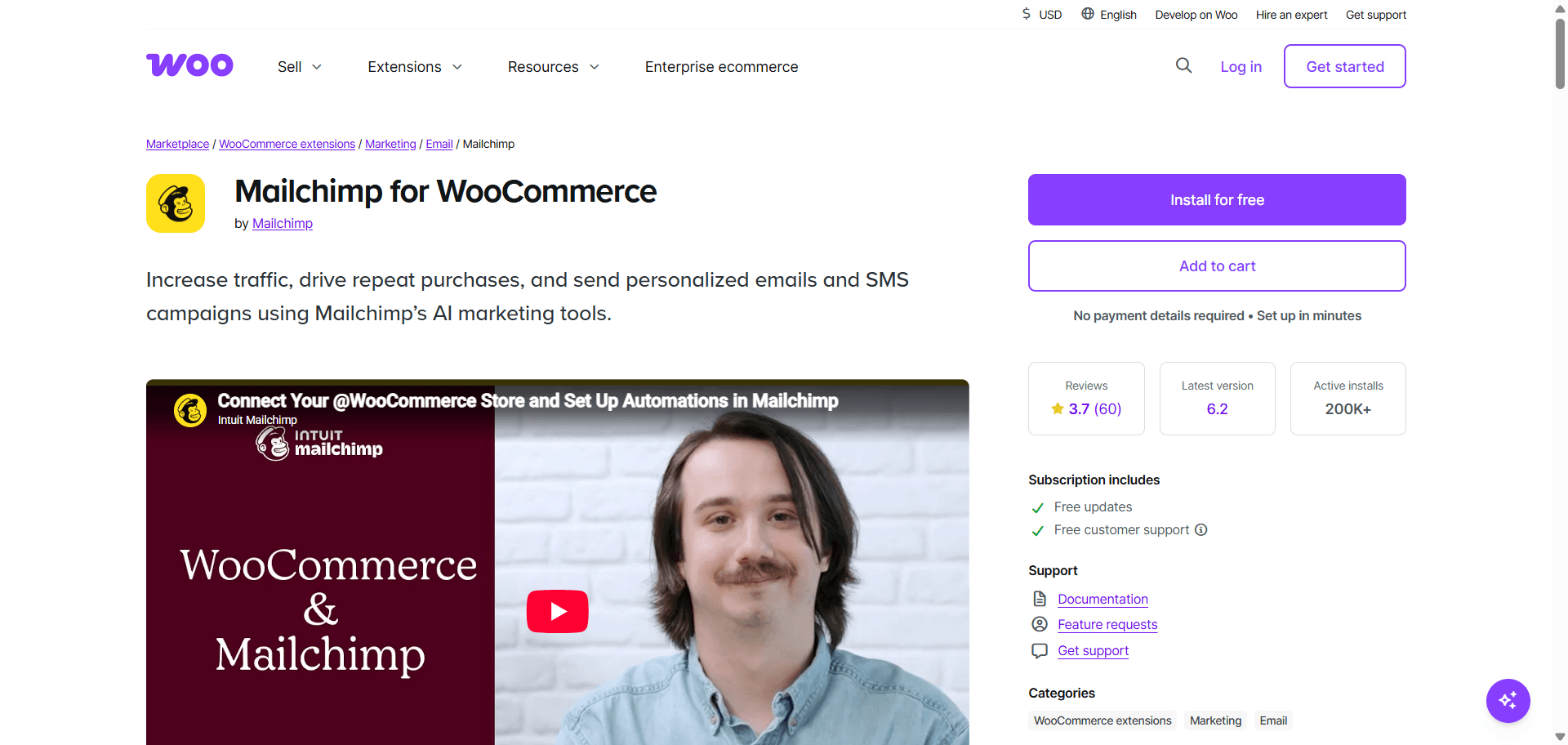
Mailchimp for WooCommerce connects your WooCommerce store with Mailchimp, allowing you to stay in touch with visitors and customers through promotions, product updates, abandoned-cart reminders, newsletters, and follow-up emails.
For example, if someone adds a pair of shoes to their cart but leaves without completing the purchase, an automated abandoned-cart email can remind them about the product later. Instead of letting that potential sale disappear completely, you get another opportunity to bring the shopper back.
And email isn’t only useful for recovering abandoned carts. You can use purchase history and customer behavior to send more relevant messages, whether that’s recommending related products, announcing a new collection, offering a discount to returning customers, or simply staying connected after a purchase.
Why it stands out
Built for WooCommerce.
Mailchimp for WooCommerce connects your store with your Mailchimp account and syncs important customer and purchase data. That means you can build campaigns around what customers actually do in your store rather than sending the same email to everyone.
Automated abandoned-cart emails.
A customer leaving their cart behind doesn’t have to be the end of the story. Automated emails can remind shoppers about products they were considering without you having to manually track every abandoned cart.
Customer segmentation.
Not every customer should receive the same email. You can organize customers based on factors such as what they’ve purchased, how often they shop, or their engagement with your emails, making it easier to send more relevant campaigns.
Product recommendations and follow-ups.
You can use customer purchase data to stay relevant after a sale. For example, someone who bought a camera might be interested in accessories, while someone who purchased a skincare product might be interested in related products or a reminder to reorder later.
Automations that work in the background.
Email marketing becomes much more useful when you don’t have to manually send every message. Automated campaigns can handle things like abandoned carts, customer follow-ups, and other recurring communications while you focus on running the store.
Free option for smaller stores.
Mailchimp offers ways for smaller businesses to get started without immediately paying for a large email marketing system. As your audience and marketing needs grow, you can move into paid plans and more advanced features.
Email marketing still works best when the emails are actually useful. Sending constant promotions to everyone can quickly turn subscribers into people who hit “unsubscribe.” The goal isn’t simply to send more emails. It’s to send the right message to the right customer at the right time.
Best for: Ecommerce stores that want to build relationships beyond the first visit or purchase. It’s particularly useful for stores that want to recover abandoned carts, encourage repeat purchases, promote new products, and stay connected with customers over time.
In short: A customer leaving your store doesn’t have to mean the relationship ends there. Stay connected, give them a reason to come back, and turn more one-time shoppers into returning customers from the get-go.
How to Choose the Right Ecommerce Plugins for WordPress
Choosing ecommerce plugins isn’t about collecting the most popular tools. It’s about building a setup that fits your store and doesn’t create problems somewhere else.
Before installing another plugin, ask yourself a few practical questions.
Does It Fit Your Business?
Start with what you’re actually selling.
A store selling physical products may need inventory, shipping, and product management tools, while a digital store might have completely different requirements. Your plugin choices should support the way your business operates rather than forcing your business to work around the plugins.
The same applies as your store grows. A plugin that works well for a small catalog may not be the right choice once you have hundreds of products, more customers, or more complex orders.
Will It Work With Your Existing Setup?
Compatibility is one of the easiest things to overlook when choosing a plugin.
Before installing anything, check that it’s compatible with your current WordPress and WooCommerce versions and works with your theme and other important plugins. Pay particular attention to plugins that modify the same areas of your store, such as the cart, checkout, or product pages.
If you can, test new plugins on a staging site first. Finding a conflict there is much better than discovering it after something breaks on your live store.
What Will It Add to the Customer Experience?
A plugin shouldn’t just add another feature to your WordPress dashboard. It should improve something for the person actually shopping on your site.
Ask what the customer gets out of it.
Does it make your pages faster? Make products easier to understand? Make checkout simpler? Help shoppers find the right product? Build trust? Recover an abandoned purchase?
If a plugin doesn’t improve your store’s functionality or the shopping experience in a meaningful way, you probably don’t need it.
Keep an Eye on Performance
A plugin can be useful and still come with a performance cost.
Adding more plugins means adding more code and functionality for your site to handle. That doesn’t mean you should avoid plugins altogether, but you should be selective about what you install.
Look for plugins that are actively maintained and built with performance in mind. If a plugin has repeated complaints about slowing down sites, that’s worth taking seriously. And after installing anything that makes significant changes to your store, test your page speed rather than assuming everything is fine.
Don’t Install Features Just Because They’re There
More features don’t necessarily mean a better plugin.
A plugin with dozens of settings might sound impressive, but if you only need two of them, all that extra functionality can make your setup harder to manage.
Start with the essentials and add plugins when there’s a real problem they can solve. Your store doesn’t need every tool available. It needs the right tools for the job.
Make Sure the Plugin Is Still Being Maintained
WordPress and WooCommerce don’t stay still. They receive regular updates, and the plugins you depend on need to keep up.
Check the plugin’s update history before making it part of your store. Look at how recently it was updated, whether the developer responds to support requests, and whether other users are reporting unresolved issues.
This matters even more for security-related functionality. An outdated plugin can become a liability rather than an asset.
Think Beyond Today’s Store
Finally, consider where your store is headed.
If you’re planning to expand your catalog, increase traffic, introduce new payment methods, or build more complex purchasing flows, choose plugins that can grow with you.
The goal isn’t to install everything from day one. It’s to build a dependable foundation and add functionality when your business actually needs it.
A smaller, well-chosen plugin stack will usually be easier to maintain than a site packed with tools that solve problems you don’t have.
Which Plugins Should You Install First?
You don’t need to install all 10 plugins on day one. What you need depends on where your store actually is right now.
Just launching
Start with the non-negotiables: WooCommerce, Wordfence, and UpdraftPlus. These aren’t features, they’re the foundation. You need something to run the store, something to protect it, and a way to recover if anything goes wrong. Add WP Rocket early too, since performance habits are easier to build in from the start than to fix later on a slow, established site.
Getting traffic but sales feel inconsistent
This is when Rank Math SEO and ShortPixel start to matter more. If people aren’t finding your store or your pages are loading slowly because of heavy images, you’re losing customers before they even see what you’re selling. This is also a good stage to add Customer Reviews for WooCommerce, since new visitors need a reason to trust a store they’ve never bought from before.
Getting visitors and some sales, but checkout drop-off is high
Now CartFlows and Better Badge earn their spot. You already have people adding products to their cart, so the priority shifts to reducing friction and giving shoppers a reason to act now instead of putting it off. A cleaner checkout and visible urgency cues (Sale, Low Stock, Best Seller) both push hesitant buyers toward finishing the purchase.
The store is stable and you’re focused on growth
This is where Mailchimp comes in. Once your store is running smoothly and converting reasonably well, the next opportunity is turning one-time buyers into repeat customers instead of only chasing new traffic.
There’s no universal order that works for every store. But installing plugins based on the problem you actually have, instead of installing all 10 at once, keeps your site lighter and easier to manage while you figure out what your store really needs.
Conclusion
You don’t need thousands of plugins to run a solid ecommerce store. You need the right ten, each one solving a real problem: running the store, protecting it, keeping it fast, getting it found, and turning visitors into customers who come back.
Start with the foundation, add the rest as your store grows, and check compatibility, performance, and security before installing anything new. That’s really the whole approach. Build the basics well, then layer on what your store actually needs, not what a list of “must-haves” tells you to install all at once.
Frequently Asked Questions (FAQ)
What is the best WordPress ecommerce plugin?
WooCommerce. It’s the most widely used ecommerce plugin for WordPress, works with almost any product type, and most other ecommerce tools, including everything else on this list, are built to work alongside it.
What is the best SEO plugin for WooCommerce?
Rank Math SEO is a strong choice for WooCommerce because it provides product SEO, schema markup, sitemaps, canonical URLs, and real-time SEO analysis.
What is the best security plugin for WordPress ecommerce?
Wordfence is a solid option for protecting ecommerce stores with features such as a firewall, malware scanning, login protection, and security alerts.
How can I make sale products stand out in WooCommerce?
Use product badges to highlight discounts, low stock, best sellers, and new arrivals. Better Badge lets you add and customize these badges directly on your WooCommerce product cards.
How can I make my WooCommerce store load faster?
Use a performance plugin such as WP Rocket and optimize large product images with a tool such as ShortPixel. Caching, file optimization, lazy loading, and image compression can all help reduce unnecessary page weight.
How do I add product badges to WooCommerce?
A WooCommerce product badge plugin such as Better Badge lets you add labels like Sale, Low Stock, Best Seller, New, and 20% Off to products. You can also use conditions and schedules to automate when badges appear.
Are WooCommerce product badges useful for increasing sales?
They can make important product information easier to notice while shoppers scan your store. Labels such as “20% Off,” “Low Stock,” and “Best Seller” communicate useful information without requiring customers to open the product page.
What is the best way to optimize product images in WooCommerce?
Compress your product images and use modern formats such as WebP. Tools like ShortPixel can also bulk-optimize existing images and automatically optimize new uploads.
How can I reduce abandoned carts in WooCommerce?
Start by making checkout simpler and removing unnecessary friction. CartFlows can help customize checkout flows, while Mailchimp can send automated abandoned-cart emails to bring shoppers back.
Why aren’t my WooCommerce emails reaching customers?
WooCommerce emails can sometimes end up in spam or fail to reach customers. Mailchimp for WooCommerce can help you stay connected with customers through automated emails, abandoned-cart reminders, promotions, and follow-ups.
Can too many WordPress plugins slow down my ecommerce store?
Yes. Adding more plugins means adding more code and functionality for your site to handle. Choose plugins selectively and monitor your store’s performance after installing significant new functionality.
Are free WooCommerce plugins enough?
For many stores, yes. Most of the plugins on this list offer a free version, so you can test the waters and see what works for your store before investing in premium features. Start with what you actually need, then upgrade only when your store requires more functionality.
Most WooCommerce product labels plugins can add a Sale, New, or Best Seller label to a product image. That is the easy part. The real difference shows up when discounts change, stock drops, new products stop being new, promotions expire, or you need to manage badges across hundreds of products without updating them one by […]
Open the WordPress plugin directory and search “WooCommerce,” and you’ll get thousands of results. Most store owners don’t need thousands. They need to know which plugins are actually worth knowing. The most popular WooCommerce plugin isn’t necessarily the best one. And unless this is your first WooCommerce blog ever :3, you probably already know most […]
You have finally launched your Woo store, started getting decent traffic, but are not getting sales. Sounds familiar? 90% of eCommerce businesses fail due to various reasons. Paid ads can bring you traffic, but whether customers will buy from you or not depends on your in-store experience. Around 70% online customers abandon their carts due […]




 Samia Nasreen
23 min read
Samia Nasreen
23 min read